9.10 Install a new MMI version using the Update option (video example)
- After NDI450 software has started, check the version of the MMI software before starting an
update.
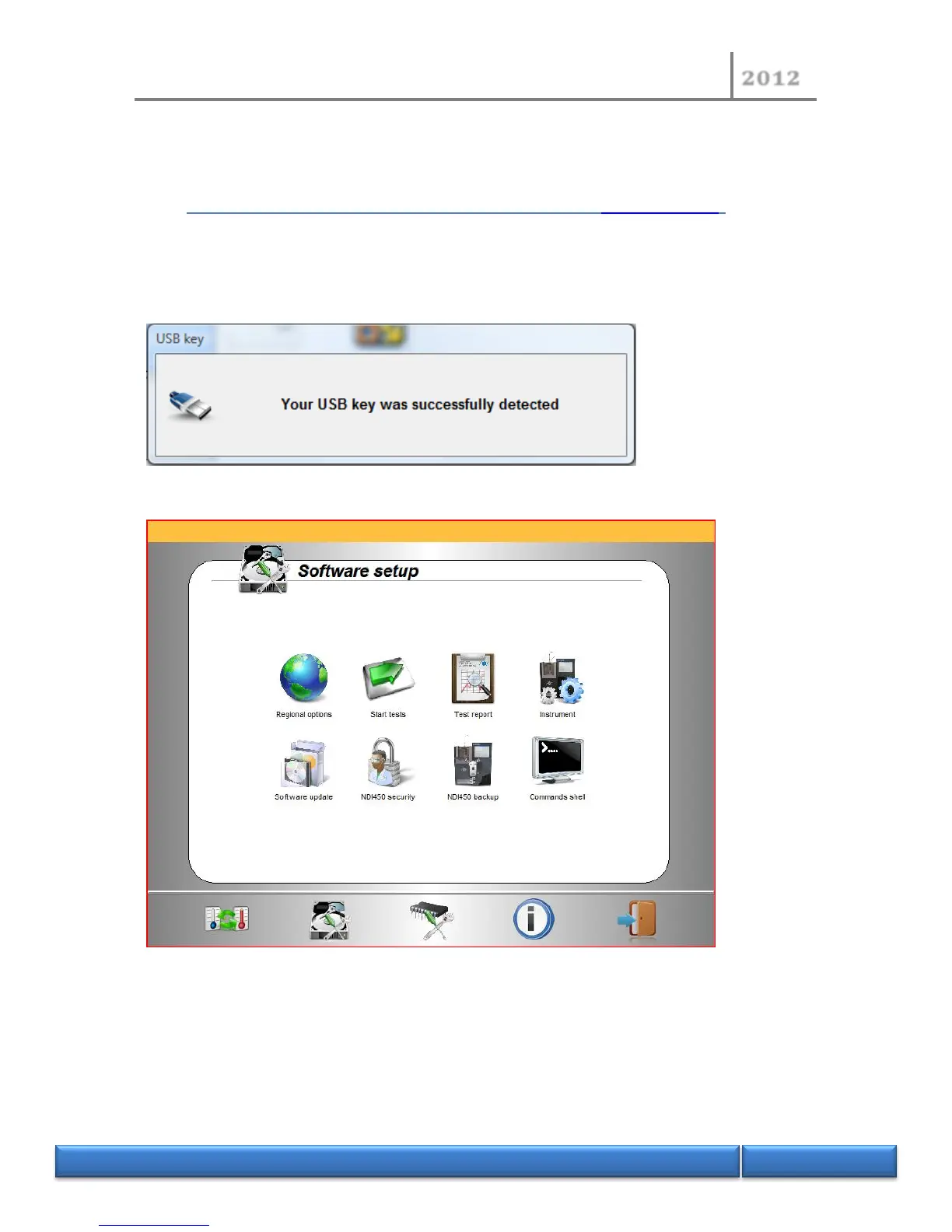
- Plug-in the USB flash drive to your instrument. Software should detect automatically your
USB flash drive.
- On the “Software setup” page, click “Software update”.
- On the “Software update” page, click “Load the updates list”.


 To Next Page