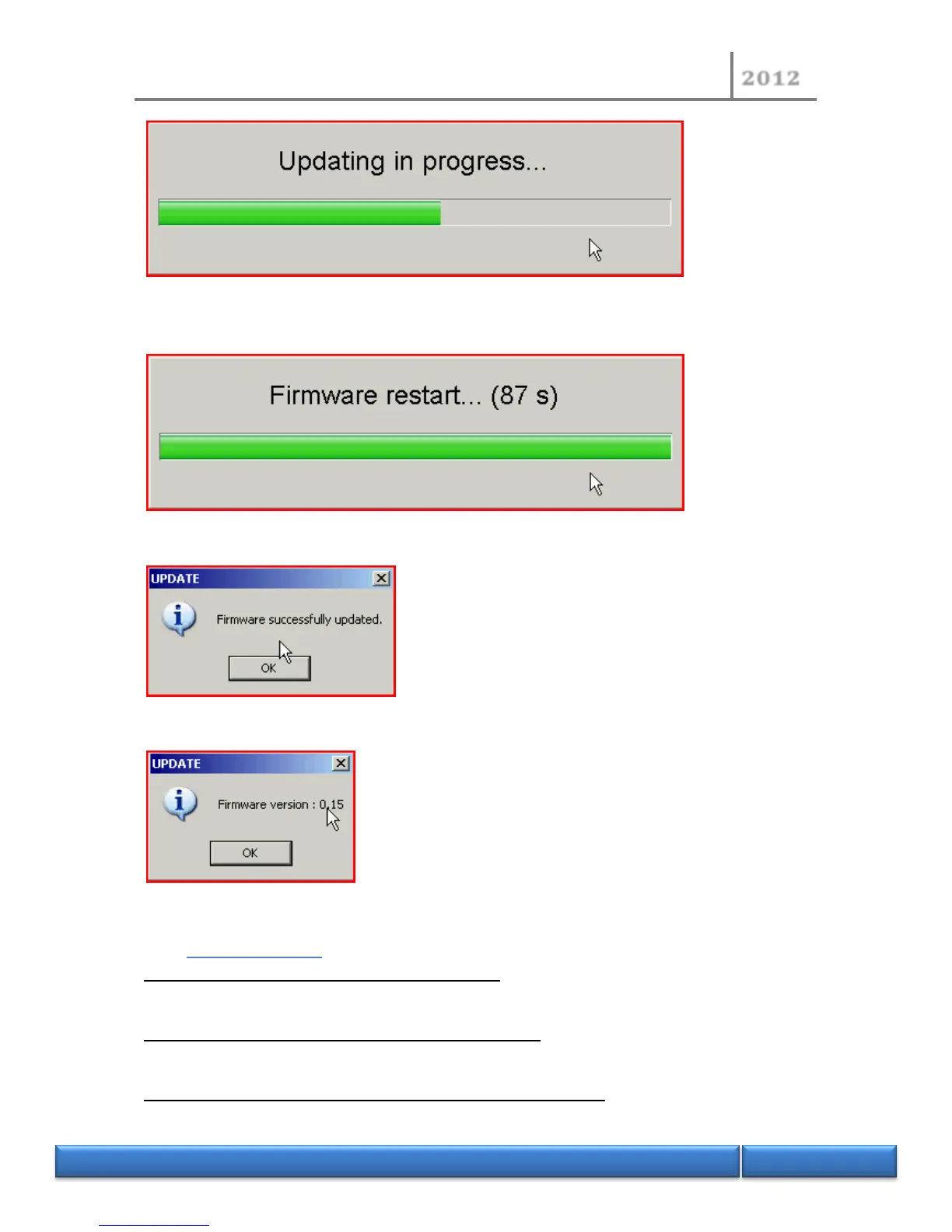
- After the update, microprocessor card will restart. Thank you for your patience (around 70
seconds).
- When the firmware is restarted, click “Ok”.
- Check the new version and click "Ok".
- The NDI450 software will restart automatically.
9.12 Error messages
Cannot update firmware, configuration file not found: The settings file is not found. Please contact
technical services.
Cannot update firmware, communication problem (0x01): Communication with the serial cable
between the two microprocessor cards is not working. Please contact technical services.
Cannot update firmware, Network configuration problem (0x01): Network addresses conflict
between the two microprocessor cards. Check the connection of the Ethernet cable at the rear of your


 To Next Page