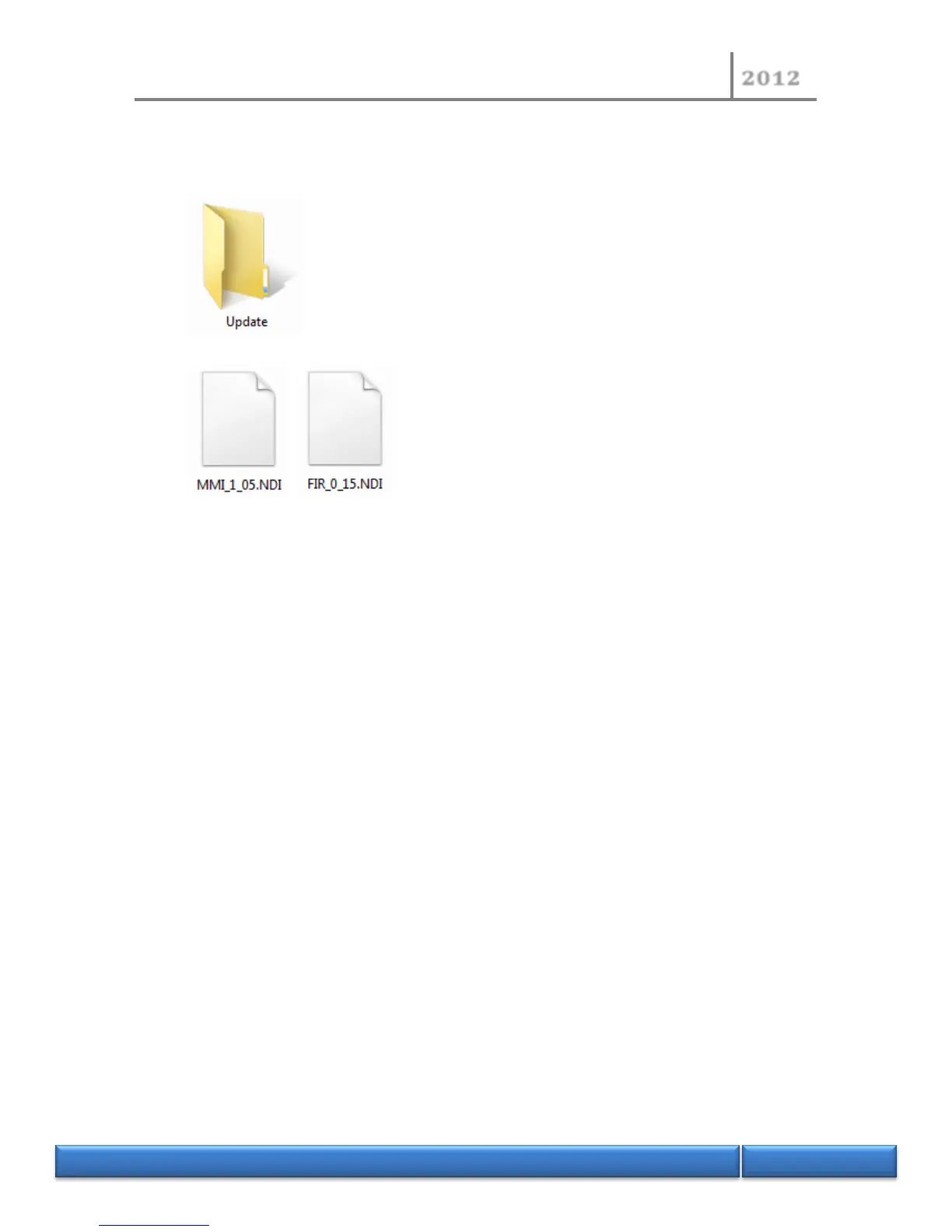
- Open the drive letter assigned to the USB flash drive by looking at the list of drives in window
explorer.
- Create a new folder named “Update” (if not exist).
- Extract and copy the NDI450 new version into the Update folder.
The file named “MMI_X_XX.NDI” is the update version for the MMI software. The version number of
the new software is “X_XX”.
The file named “FIR_Y_YY.NDI” is the update version for the firmware. The version number of the new
firmware is “Y_YY”.
- Unplug the USB flash drive from the computer.


 To Next Page