About the Nortel IP Phone 1140E
16
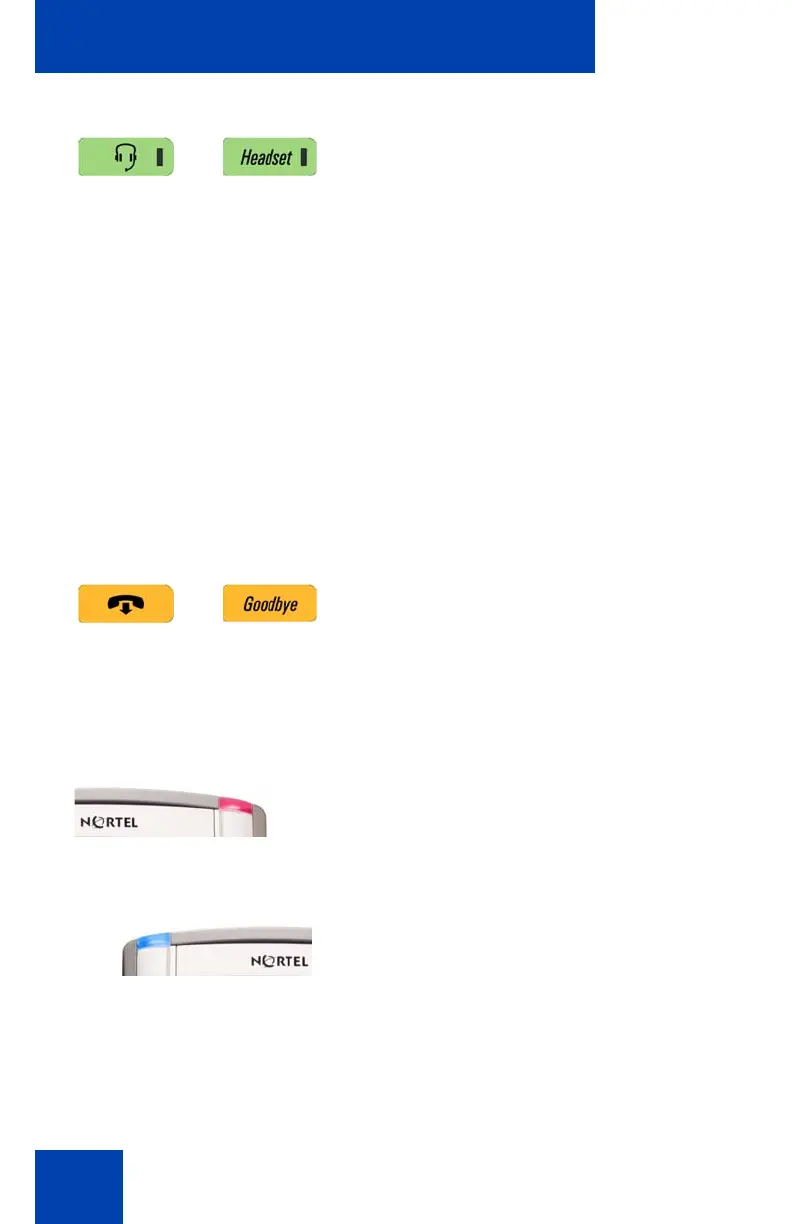
Press the Headset key to answer a call
using the headset or to switch a call from the
handset or handsfree to the headset.
To access the Bluetooth wireless technology
setup, press the Headset key twice quickly.
(See “Your IP Phone 1140E is equipped with
a wireless audio gateway system to support
Bluetooth wireless technology enabled
headsets. Double press the Headset key to
open the Bluetooth Setup dialog box or
press the Prefs Context-sensitive soft key,
select Audio, and select Bluetooth Setup
from the menu.” on page 68.)
Note: The Headset LED indicator, on the
Headset key, lights to indicate that the
headset is in use.
Press the Goodbye/Release key to
terminate an active call. For multiple calls the
Goodbye/Release key ends the highlighted
call.
Use the Goodbye/Release to close menu
navigation or cancel user tasks.
When you receive a voice message, the red
Visual Alerter/Message Waiting Indicator
lights. Also, when the ringer sounds, this
indicator flashes.
When you receive an instant message (IM),
the blue Visual Alerter/Feature Status
Indicator lights.

















 To Next Page