About the Nortel IP Phone 1140E
17
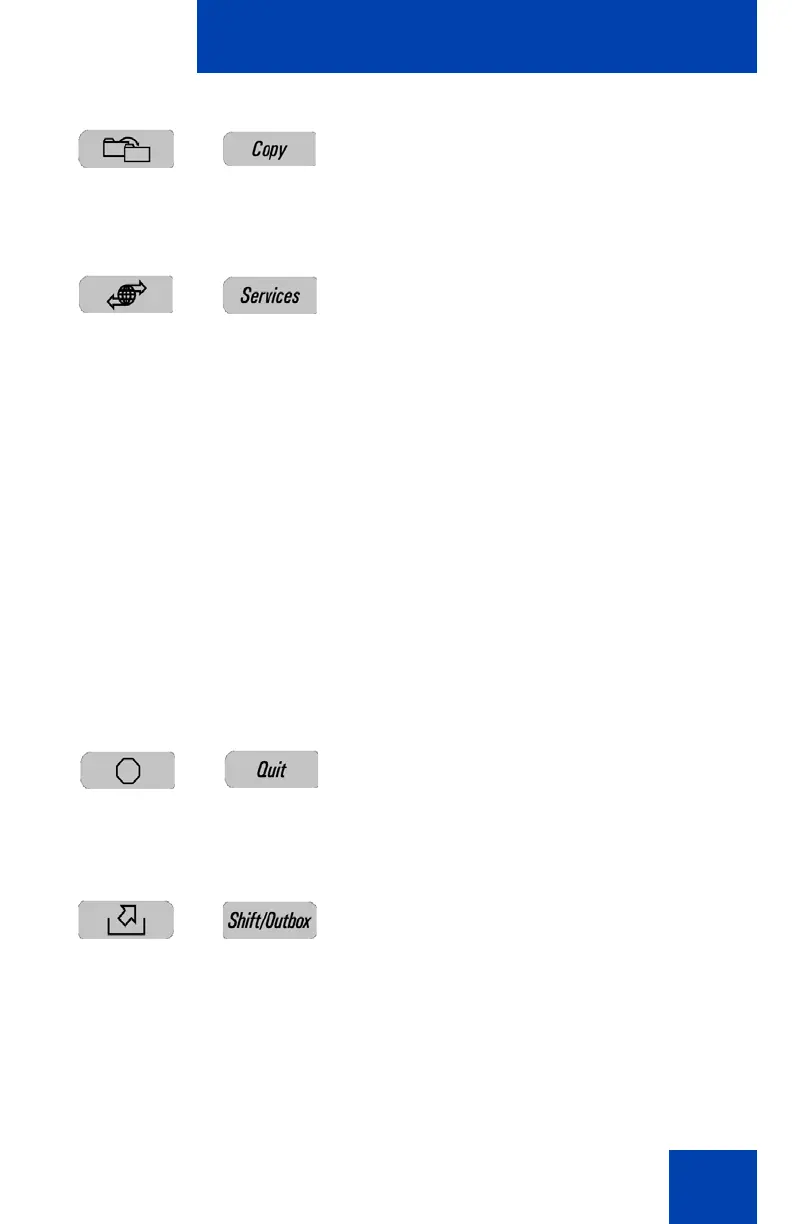
Press the Copy key to copy contact
information from one source such as the
Address Book to a destination such as a
feature key.
Press the Services key to access the
following features:
1. Search
2. Do Not Disturb
3. Call Forward
4. Presence
5. Retrieve Parked Call (Not available for
all call servers.)
6. System
Note: The Servcs Context-sensitive soft
key accesses the same menu.
Press the Services key twice quickly to
access the Network menu.
Press the Quit key to cancel a current on-
screen operation, or exit the menu.
Note: Pressing the Quit key does not
affect the status of active calls.
Press the Outbox key to view a record of all
outgoing calls.
Note: This key does not function as a
“shift” key.


 To Next Page
 Loading...














