Configuring the IP Phone 1140E
73
9. Choose one of the following:
• If the name of your headset appears in
the Paired: box, proceed to step 11.
• If more than one device is paired, and
the one you wish to use is not shown in
the Paired: box, navigate to the one you
want, as follows:
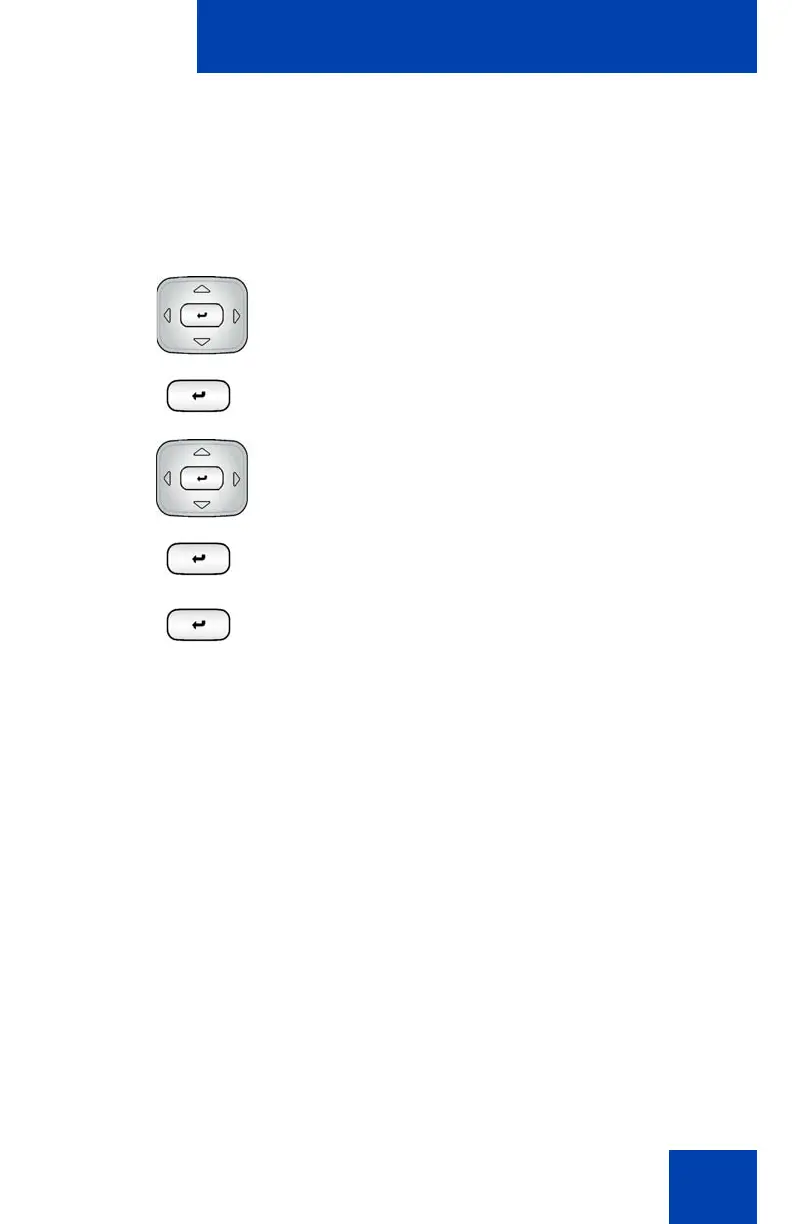
a. Press the Right navigation key one
or more times to highlight the
Paired: box. Press the Select/Set
key to start the edit mode.
b. Press the Up/Down navigation key
to open the list. Press the Up/Down
navigations key to scroll in the
Paired: list and highlight your
headset.
c. Press the Select/Set key to select
the headset and close the list. Press
the Select/Set key to exit edit mode.

















 To Next Page