Page 100 951/952 Operator’s Manual Rev. B
Chapter 7 - Creating Routes
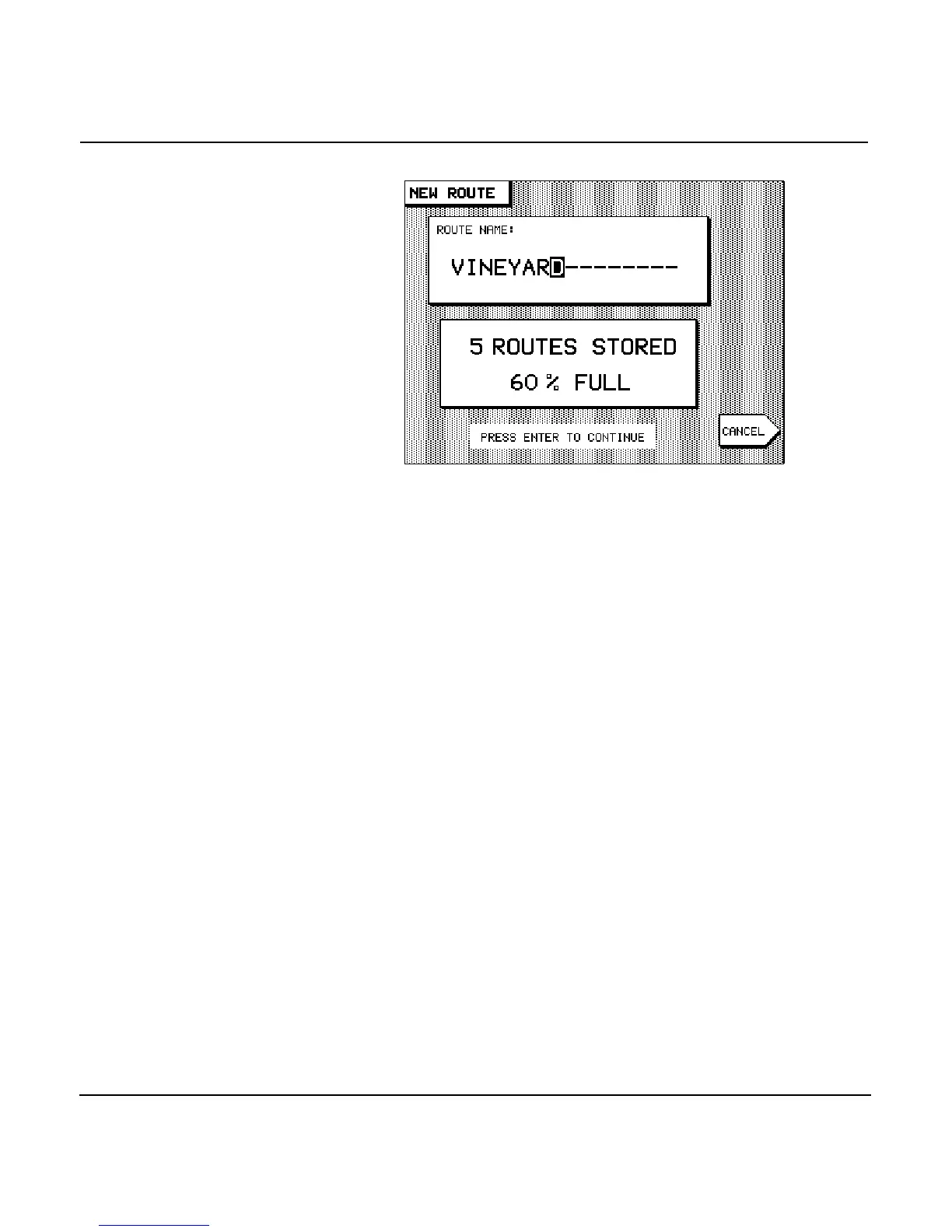
A NEW ROUTE chart screen is displayed, ready for you to
begin selecting waypoints with which you’ll create the
new route.
4. To add waypoints to the route, position the cursor at the
first waypoint’s location. The location can be a nav aid, an
existing waypoint, or an unmarked point on the chart. If
the cursor is positioned on an existing waypoint, the
menu key reads ; if not, the menu key reads
. Press the key to add a new waypoint.
5. Continue creating the route by moving the cursor to
desired waypoint locations and pressing either the
or the menu key for each new
waypoint in the route.



 To Next Page