Page 146 951/952 Operator’s Manual Rev. B
Chapter 11 - Customizing the Unit
Changing display options
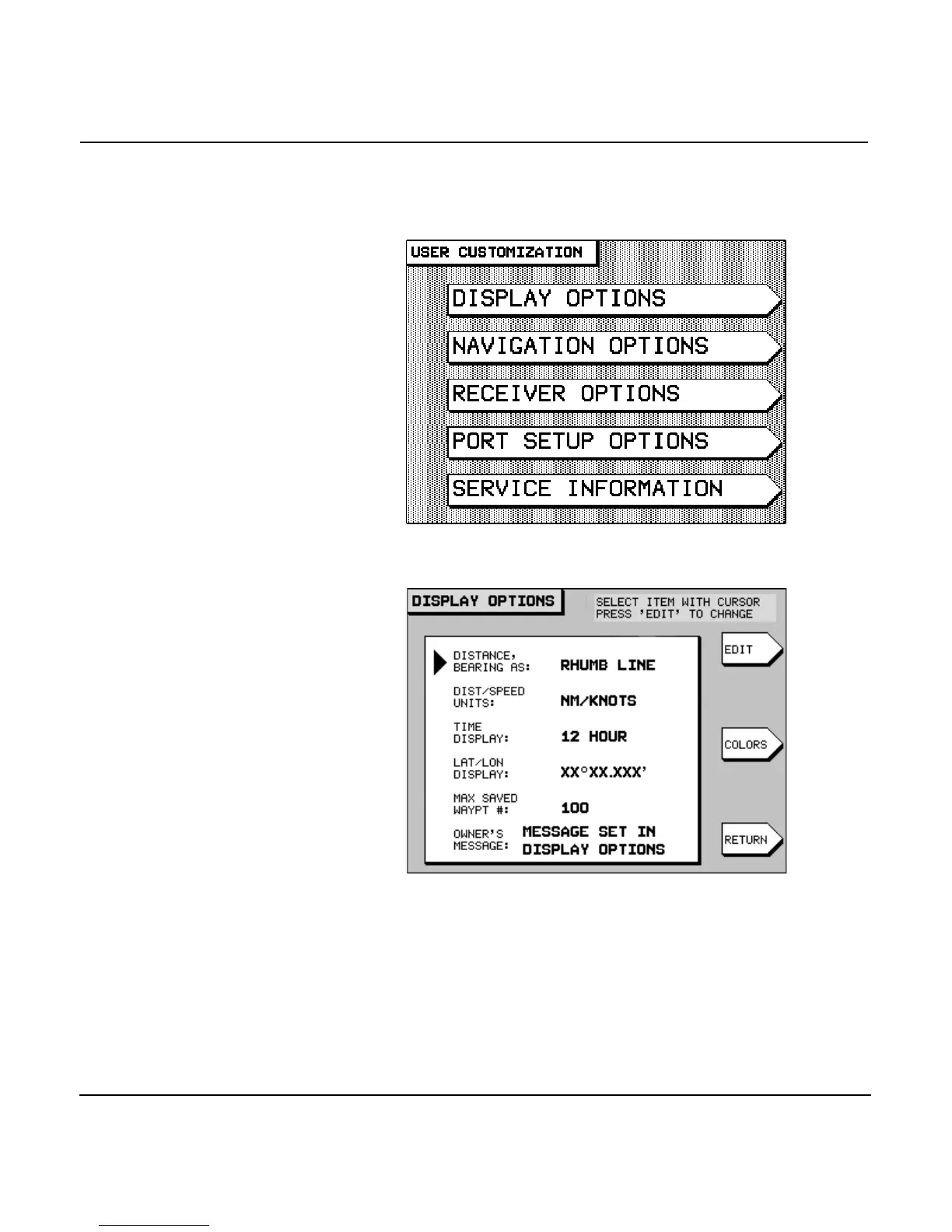
To access the unit’s display options, press the key until
you display the USER CUSTOMIZATION screen.
Press the menu key to display the follow-
ing choices:
To change any of the options (as described below), select the
option by pressing the to move the arrow at the
left of the screen, then press the menu key. The selected
option begins to flash, waiting for you to change it using the
or the .



 To Next Page