Page 118 951/952 Operator’s Manual Rev. B
Chapter 8 - Understanding Waypoint/Route Navigation
Navigating to a stored waypoint
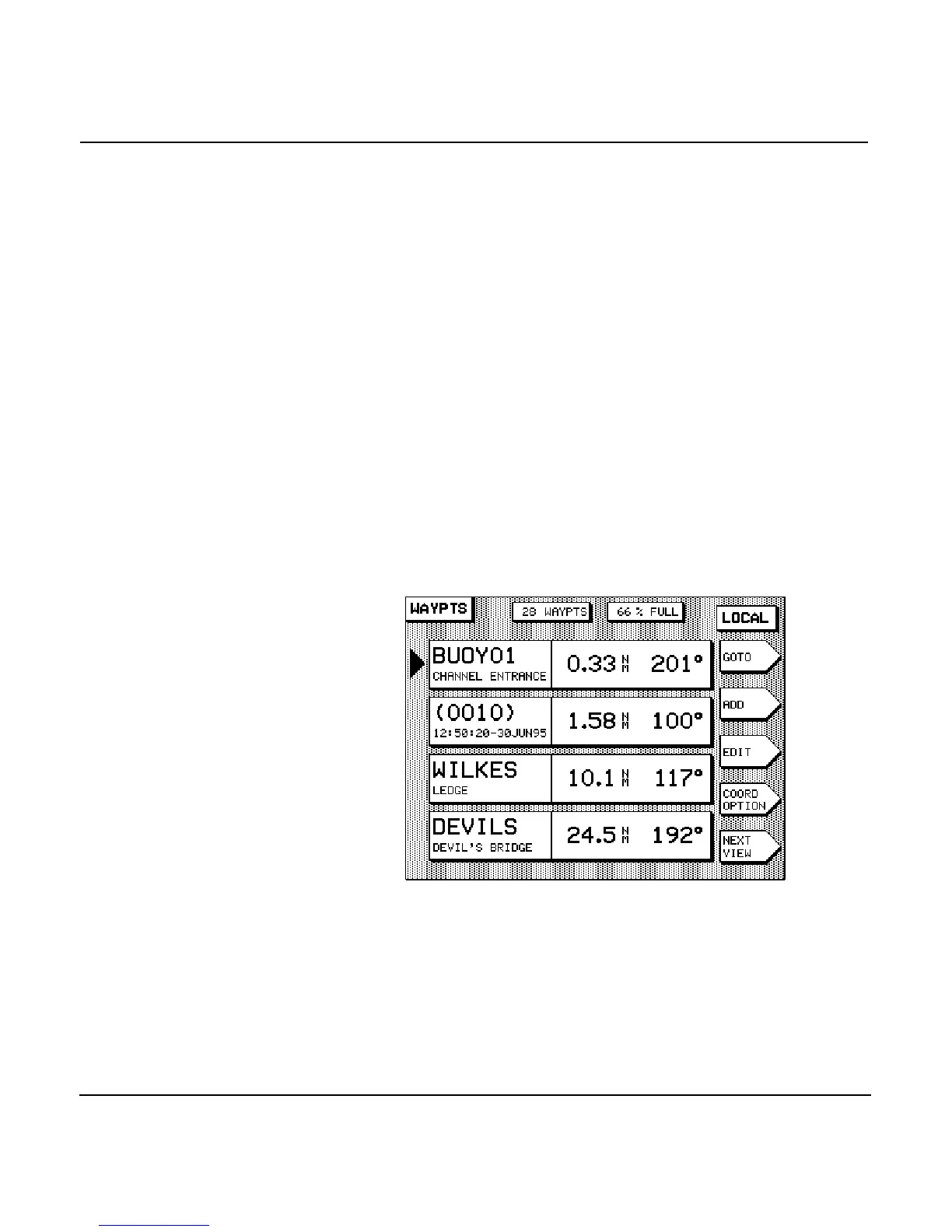
If you prefer to select a waypoint from a list of previously
stored waypoints, rather than from the chart, first display it
using one of the three waypoint list screens.
1. Press the key, then the
menu key.
2. Press the menu key to display the most con-
venient list (often the LOCAL list; see note below).
3. Press the to point to the waypoint you
want to navigate to.
4. Press the menu key, and then press the
key.
NOTE:
Since the waypoints you navigate to are usually nearby, the
LOCAL
way-
point list is often the best list to use for finding the desired waypoint.
Steering to a waypoint
To display information to guide you directly to a waypoint
you’ve designated, press the key. Two versions of the
steering screen are available to choose from, if you press the
key twice.



 To Next Page