Chapter 6 - Creating Waypoints
951/952 Operator’s Manual Rev. B Page 89
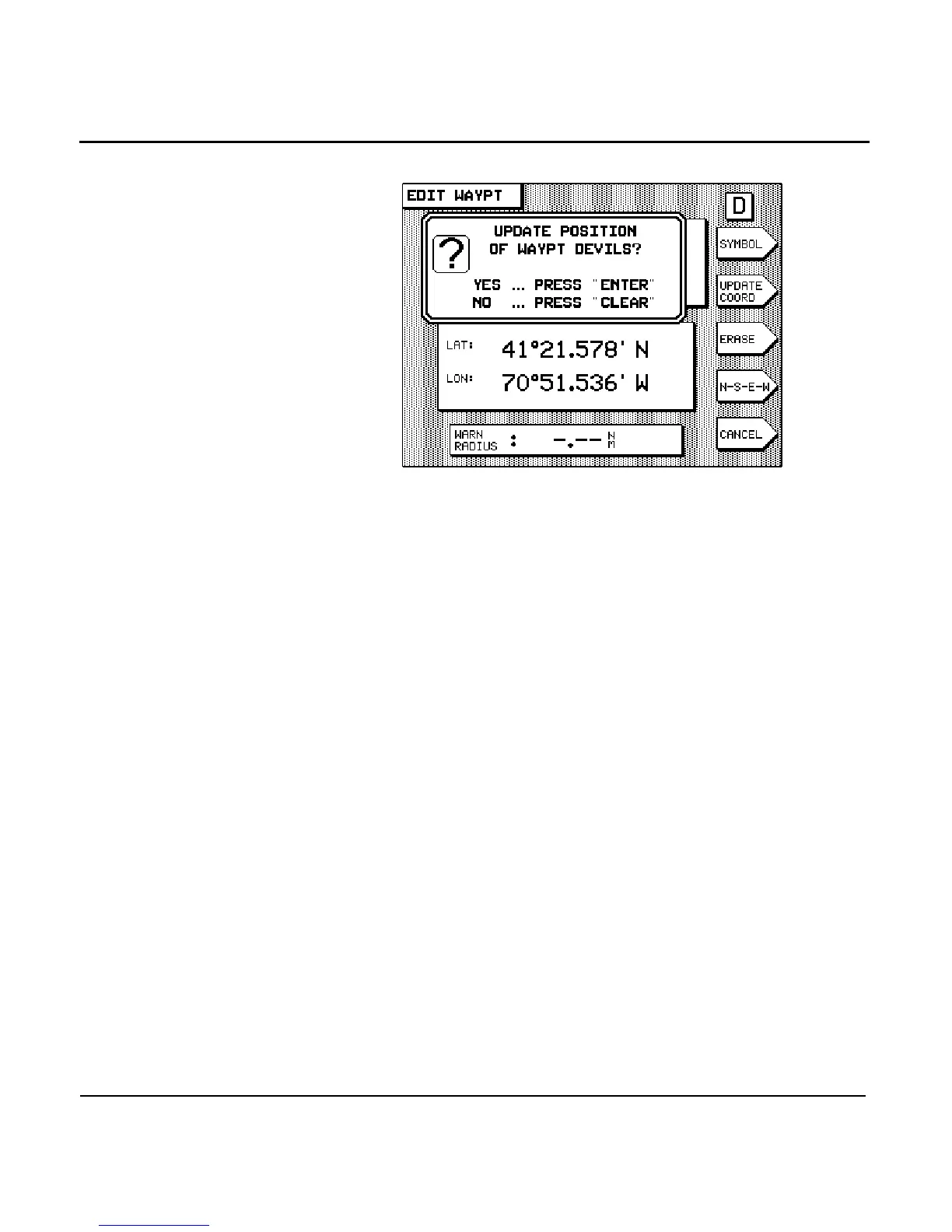
6. Press the key (or press to cancel).
Moving waypoints and routes between units
The waypoint and route import/export feature allows two or
more 951 or 952 units (as well as Northstar 941’s) to conve-
niently “share” all the same waypoints and routes. For exam-
ple, if you have a unit that contains a number of waypoints
and routes that you’d now like to have in one or more of these
other units, you can use the import/export function to move
all the waypoints and routes from one unit to another, from
either unit 1 to unit 2 or from unit 2 to unit 1, and so on for as
many units as you have.
NOTE:
If you want to import or export to/from older units, these units all must
have software version 3.12 or higher; to obtain any necessary upgrades,
please see your authorized Northstar dealer.
You can import and export waypoints and routes between
Northstar units as follows:
•
two 951’s
•
two 952’s
•
two 941’s
•
a 952 and a 951



 To Next Page