Chapter 5 - Determining Position Coordinates
951/952 Operator’s Manual Rev. B Page 61
Using GPS
Your unit uses a high-performance GPS receiver as its primary
source of position data.
Position, COG, and SOG are calculated directly from the
received satellite data, along with the time, date, and an esti-
mate of the unit’s accuracy.
Viewing lat/lon
coordinates
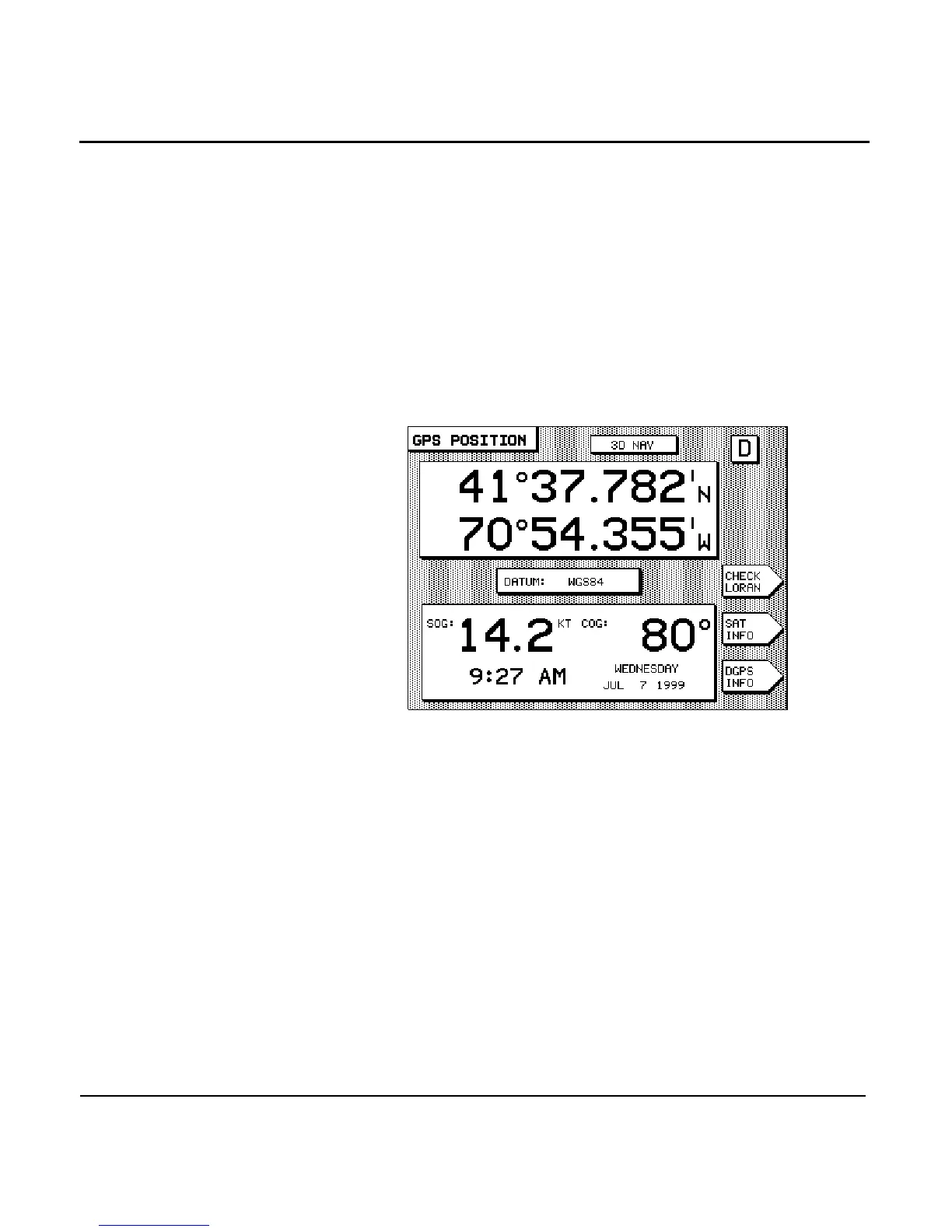
Near the top of the GPS POSITION screen, the unit displays
your latitude and longitude in large digits. If GPS data isn’t
available, dashes are displayed in place of the numbers.
NOTE:
You can display lat/lon as either degrees, minutes, and seconds, or as
degrees, minutes, and thousandths of minutes. See “Changing display
options” on page 146 to select one or the other.
Viewing time of day
The time of day and today’s day and date are displayed at the
bottom of the GPS POSITION screen. The time may be dis-
played in 12- or 24-hour format. Since the time and date are
obtained directly from the GPS satellites, you can’t change
them, other than designating your time zone (see ”Changing
the time zone” starting on page 142).



 To Next Page