Page 48 951/952 Operator’s Manual Rev. B
Chapter 4 - Using Charts
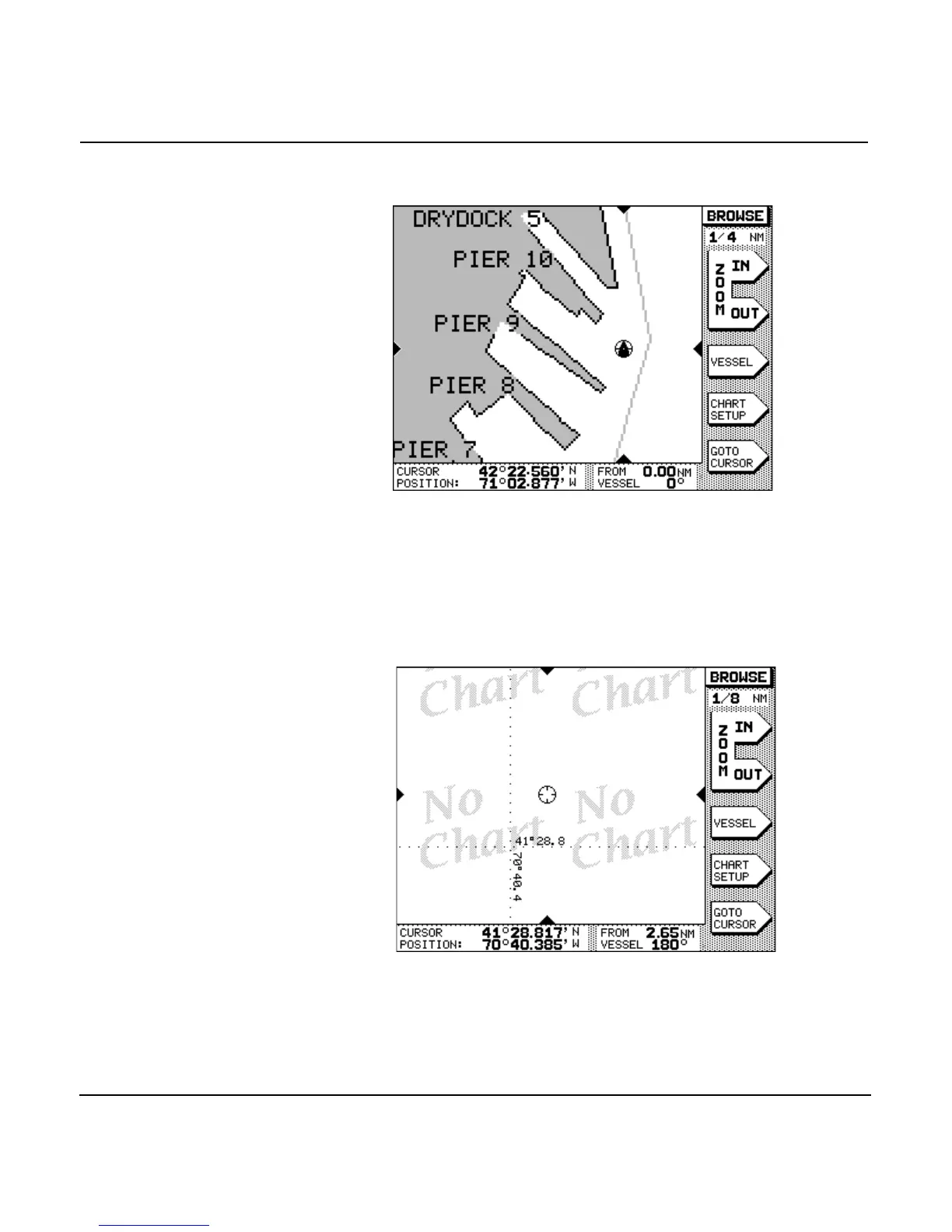
able for a chart, the center of the chart is magnified to fill the
screen. All text and symbols are doubled in size.
Zooming in beyond this level causes all chart detail to be
removed from the screen for safety reasons, leaving only your
boat, its track, user-entered waypoints, and the lat/lon grid. As
a reminder that no charted hazards or nav aids are displayed,
the words NO CHART are shown multiple times across the
screen. Even without chart data displayed, the unit can now be
used as a precision track plotter.
Using vessel mode
When the unit displays the word VESSEL in the upper-right
corner of the CHART screen, your boat is shown centered on



 To Next Page