Chapter 1 - Quick Start
951/952 Operator’s Manual Rev. B Page 5
For more details about service procedures, refer to the Limited
Warranty Policy at the front of this manual and to the North-
star 951/952 Installation Manual.
Turning the unit on and off
Turning the unit on
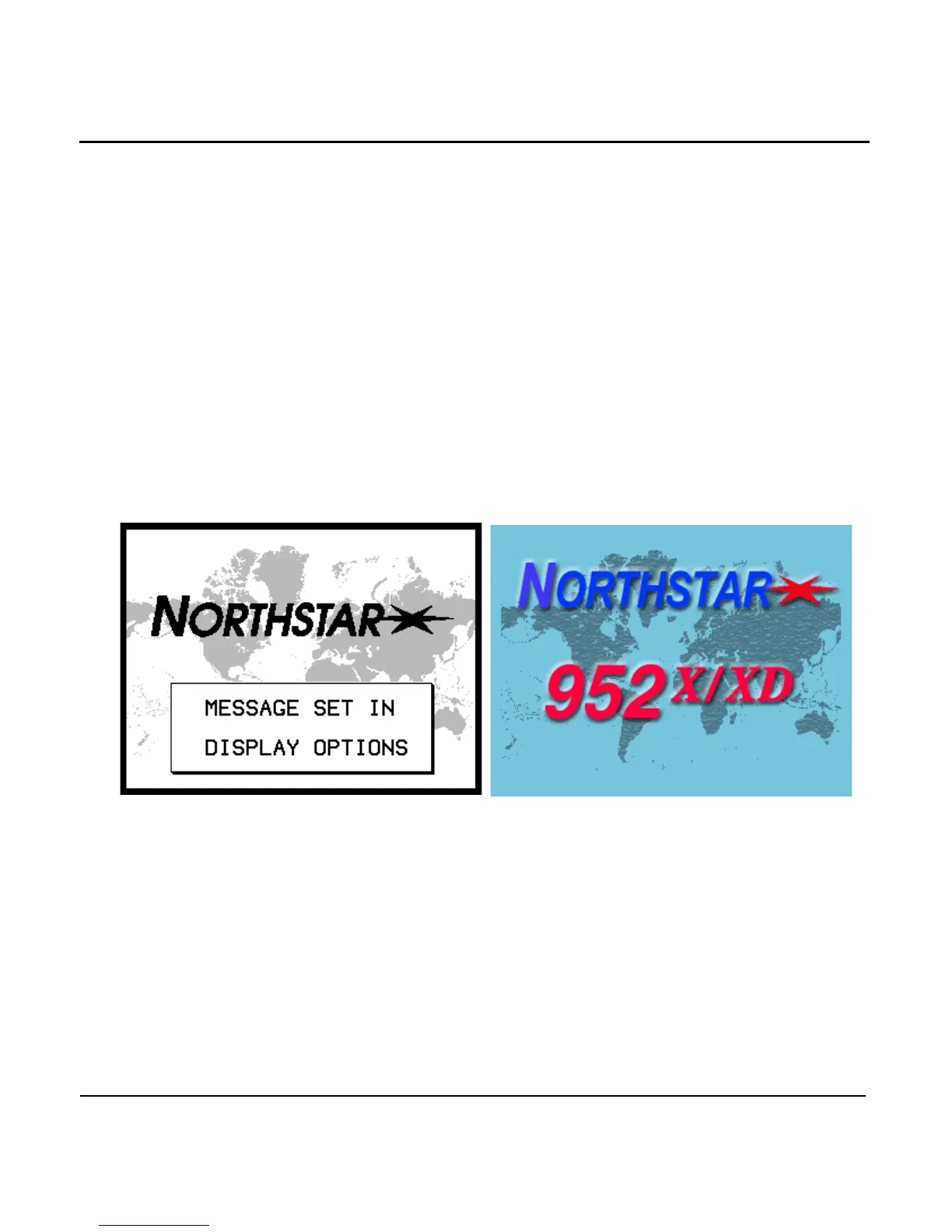
After inserting a chart cartridge, to activate the unit, briefly
press the (power) function key. You’ll be greeted with a
map of the Earth with the words “NORTHSTAR 951X” (at left
below) or “NORTHSTAR 952X” (at right below), then the owner
identification message. Next, the unit performs a series of
self-tests (the 951 and 952 self-test screens vary slightly) in
which critical components and functions are checked for any
errors.



 To Next Page