Page 12 951/952 Operator’s Manual Rev. B
Chapter 1 - Quick Start
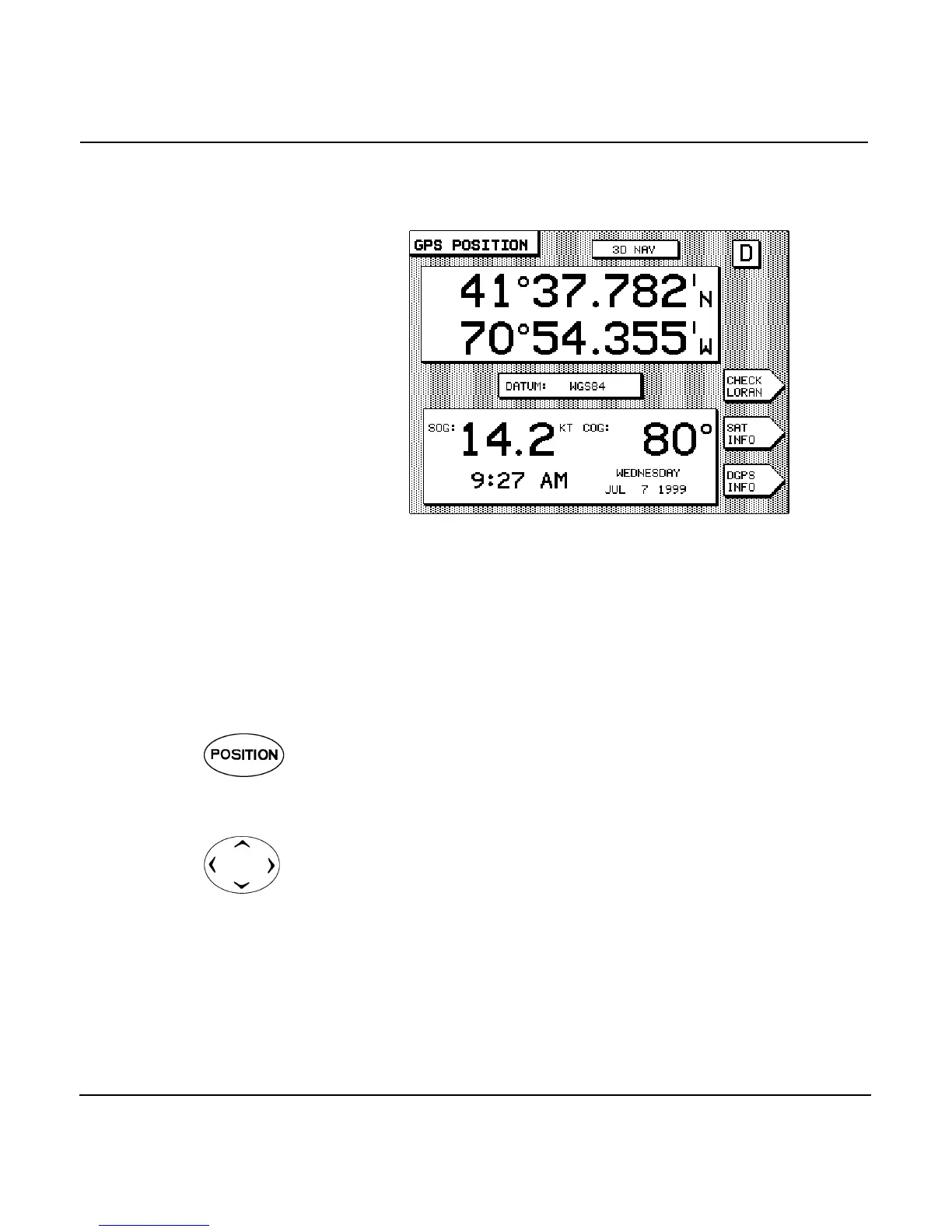
On the GPS position
screen
If you want to display your position in numerical form only
(without showing a chart), press the function key
located below the display screen.
Your present position, SOG, and COG are displayed, along with
the time of day and date. Press again to return to
the CHART screen.
Navigating to a waypoint
To navigate to a “quick,” or temporary, waypoint using the
CHART screen:
1. Display your position on the CHART screen. (If you aren’t
viewing your position on this screen, press the
function key once or twice until the CHART screen is dis-
played.)
2. Move the cursor to the desired location by pressing the
in the upper-right corner of the unit. (To
see more area of the chart, zoom out one or more levels.
For greater accuracy in positioning the cursor, zoom in
one or more levels.)



 To Next Page