Chapter 7 - Creating Routes
951/952 Operator’s Manual Rev. B Page 99
Creating routes from the chart
To create a route graphically from the CHART screen:
1. Press the key, and then press the
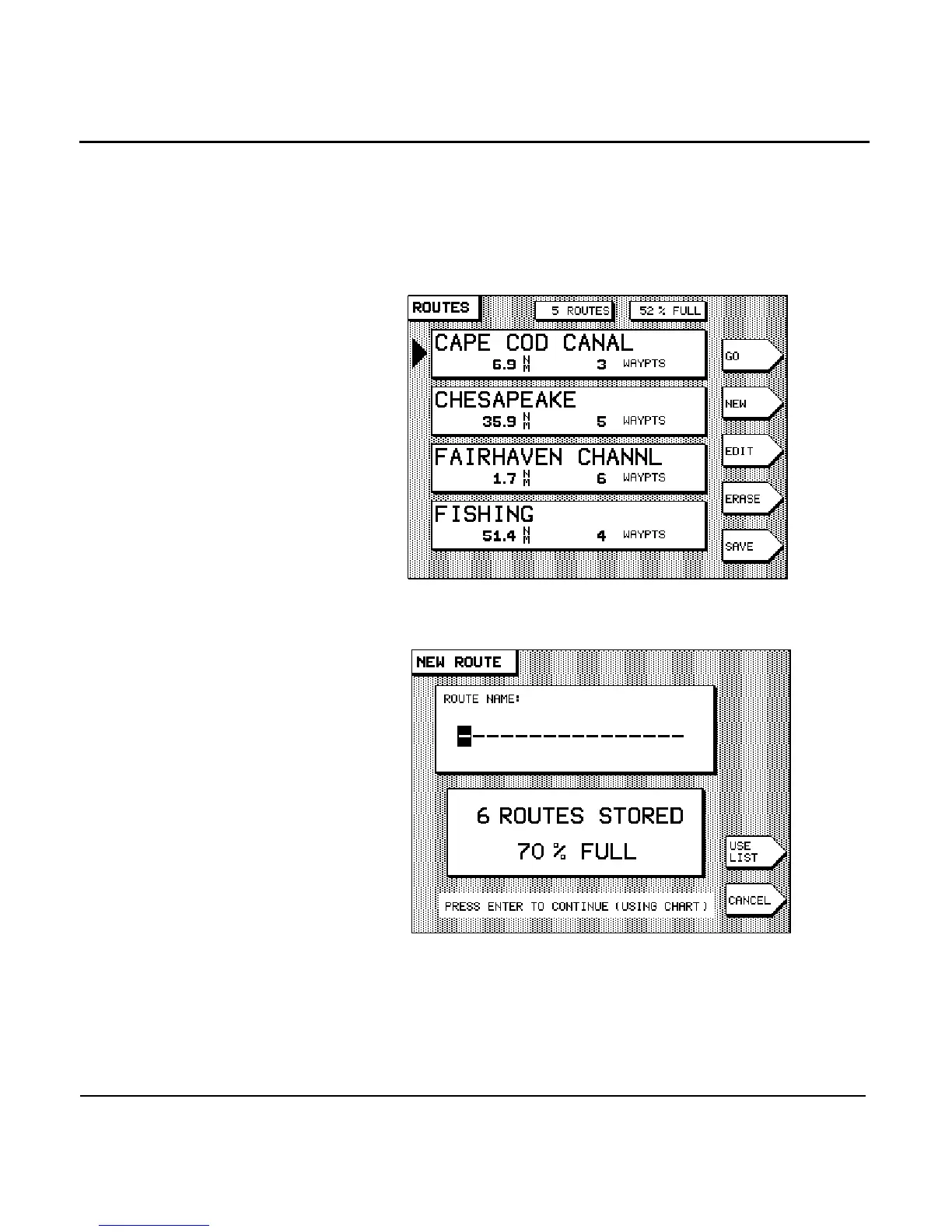
menu key. The names of routes already stored
are displayed on the ROUTES screen.
2. Press the menu key. The NEW ROUTE screen is dis-
played, asking you to enter the name of the new route.
3. Enter the name of the new route using the and
(see Section 3, ”Using the Controls,” start-
ing on page 31), and press the key.



 To Next Page