Page 46 951/952 Operator’s Manual Rev. B
Chapter 4 - Using Charts
Controlling the cursor
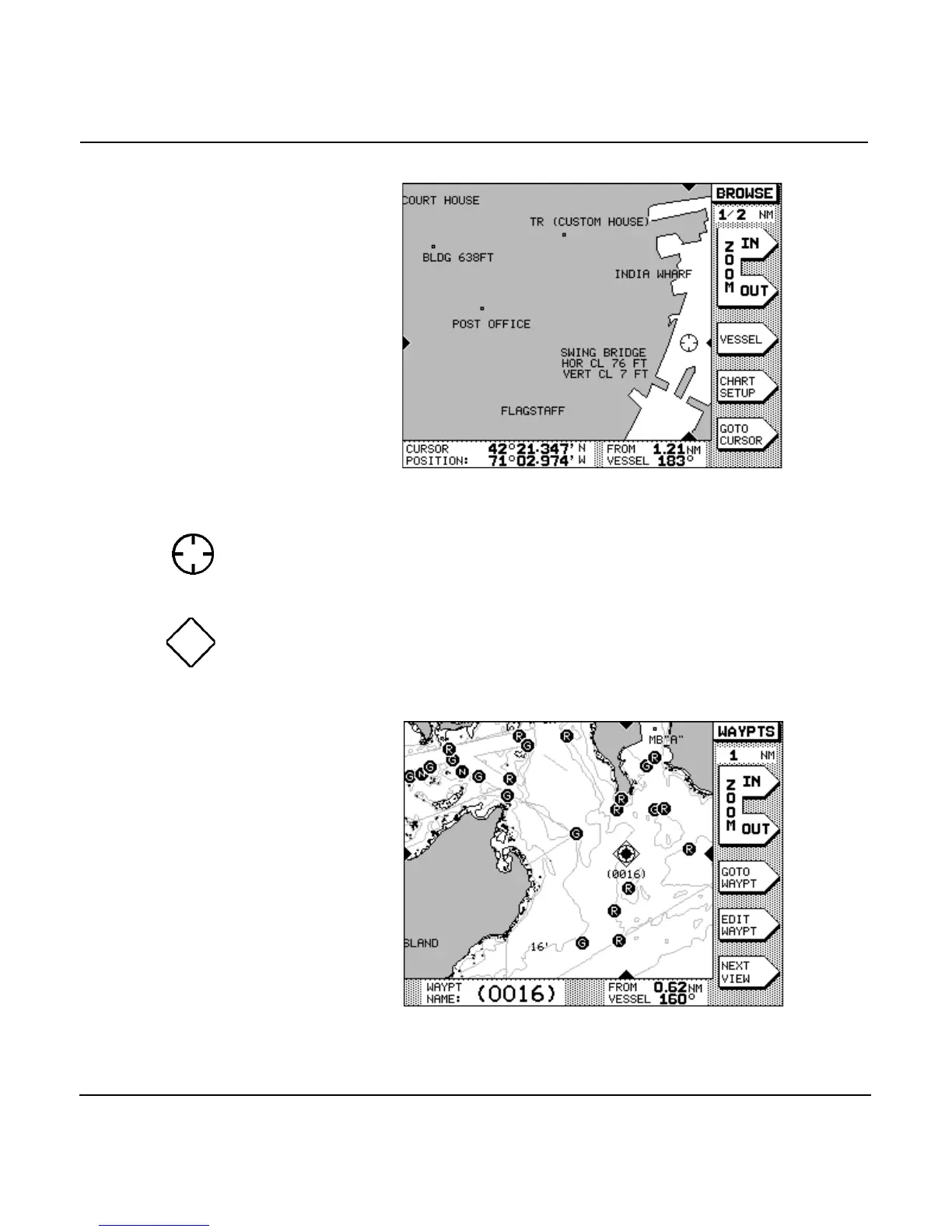
Pressing the causes a cursor symbol (see left) to
appear on the CHART screen. Further pressing moves the cur-
sor across the screen.
If you move the cursor onto an object (such as a displayed
waypoint), that object becomes “selected,” as indicated by a
diamond-shaped box (see left) around the waypoint symbol.
Information about the selected object then appears at the bot-
tom of the screen.
Use the cursor to:
•
select a nav aid or waypoint, to:



 To Next Page