Page 10 951/952 Operator’s Manual Rev. B
Chapter 1 - Quick Start
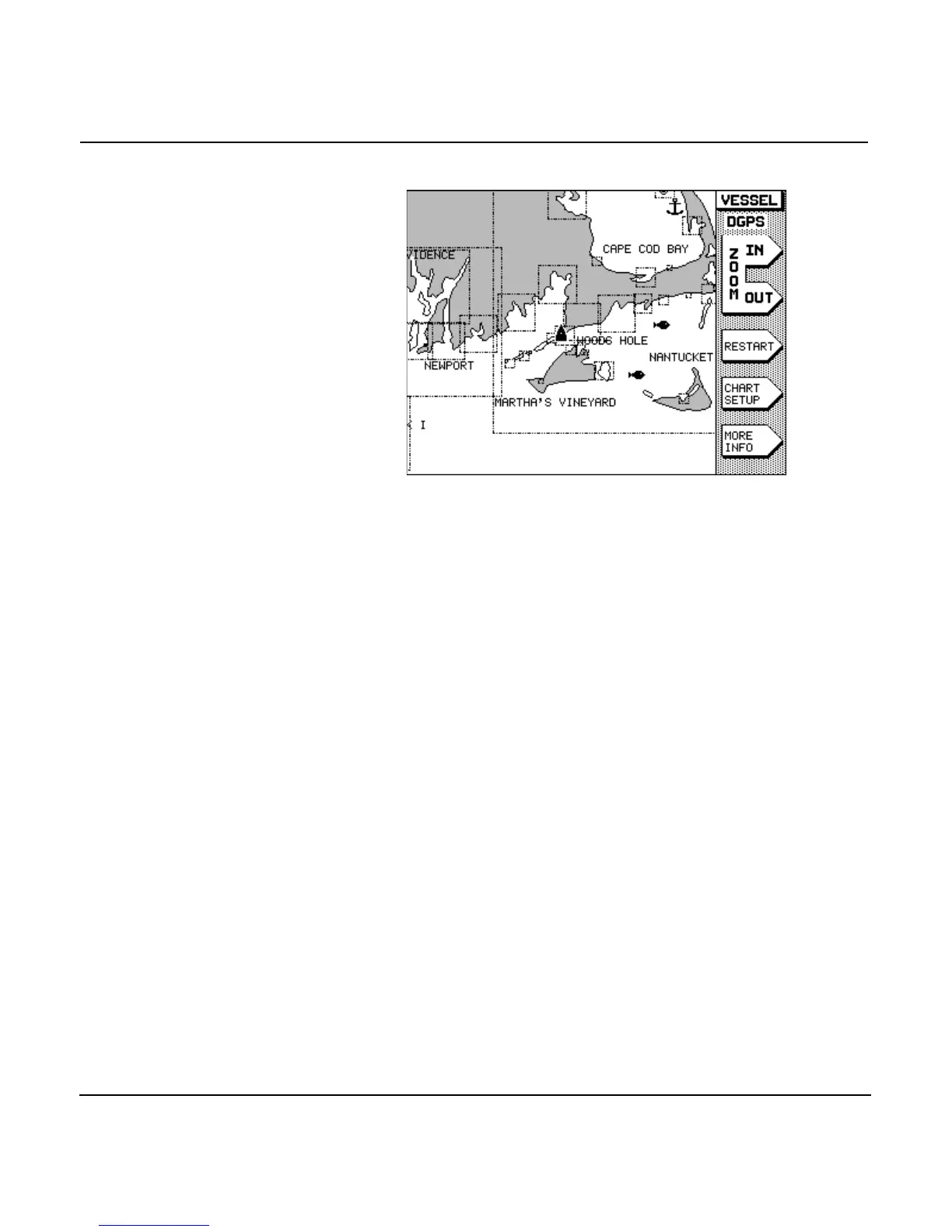
In the 951, white areas are water and gray areas are land. In
the 952, for normal or hi-brite screen viewing (normal is the
factory default option), white areas are water and brown areas
are land; for nighttime viewing, black areas are water and
green areas are land. Nav aids and depth contours are shown,
along with landmark names. Your present position is indicated
by the black triangular boat symbol (magenta, if nighttime
viewing) in the center of the chart. The scale at which your
view is initially displayed is approximately 64 nautical miles
(nm), from edge to edge.
If you want to display a more detailed view of your position,
press the menu key located to the upper right of the
screen. Press the menu key to show more area and
less detail. For details about zooming, see ”Changing the zoom
levels” beginning on page 47.
Displaying position coordinates
On the chart screen
To display your position coordinates on the CHART screen,
press the menu key to the lower right of the dis-
play screen. Several forms of numeric information are available
at the bottom of the screen in what is referred to as the INFO
BAR.
Each successive press of the menu key shows:



 To Next Page