Chapter 11 - Customizing the Unit
951/952 Operator’s Manual Rev. B Page 151
4. To change the palette choice, press the menu key,
then use the to view the three choices:
NORMAL, HI BRITE, and NIGHT. Press the key to
make your selection (or clear to leave the option
unchanged). The unit will immediately display the new
palette choice.
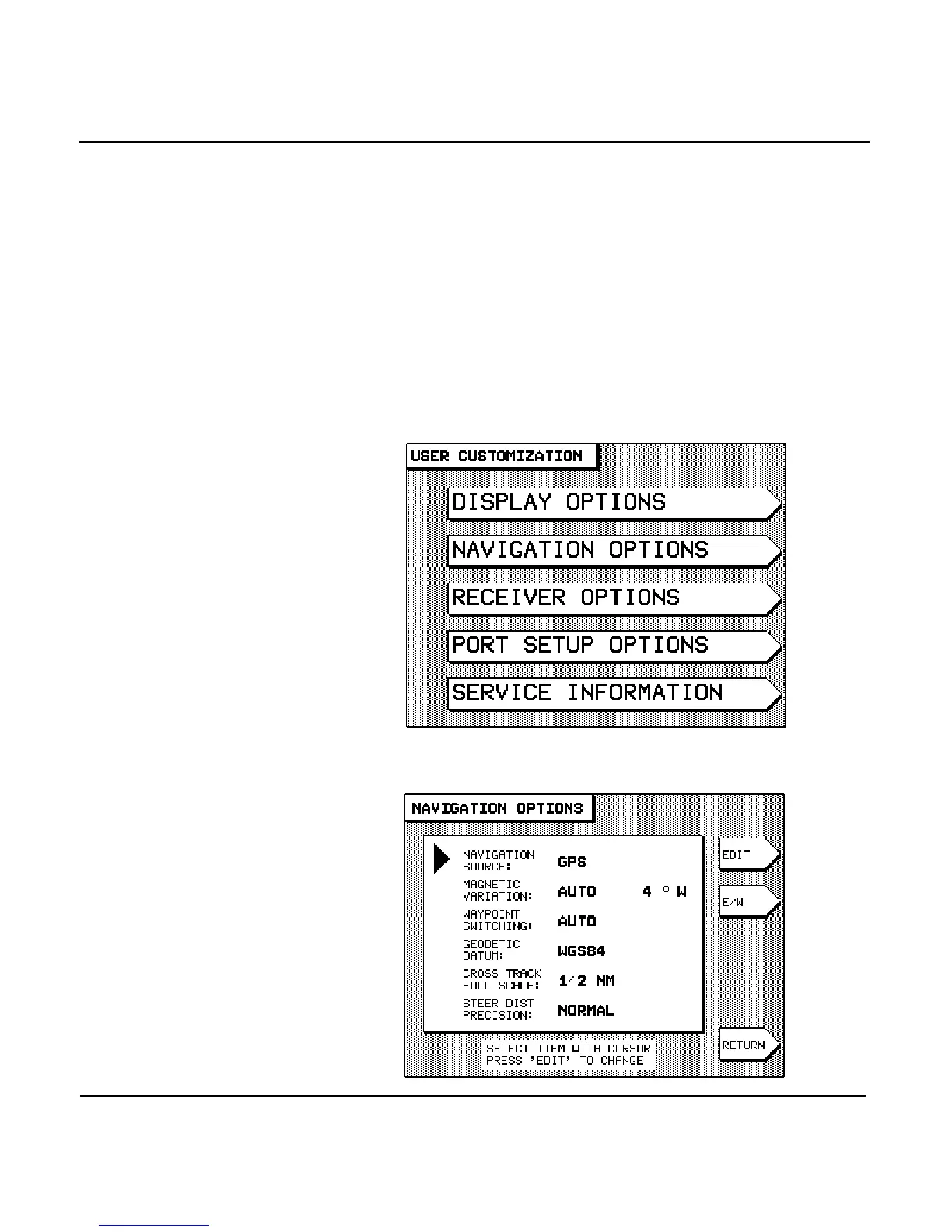
Changing navigation options
To access the unit’s navigation options, press the key
until you display the USER CUSTOMIZATION screen.
Press the menu key to display the fol-
lowing choices:



 To Next Page