Chapter 8 - Understanding Waypoint/Route Navigation
951/952 Operator’s Manual Rev. B Page 123
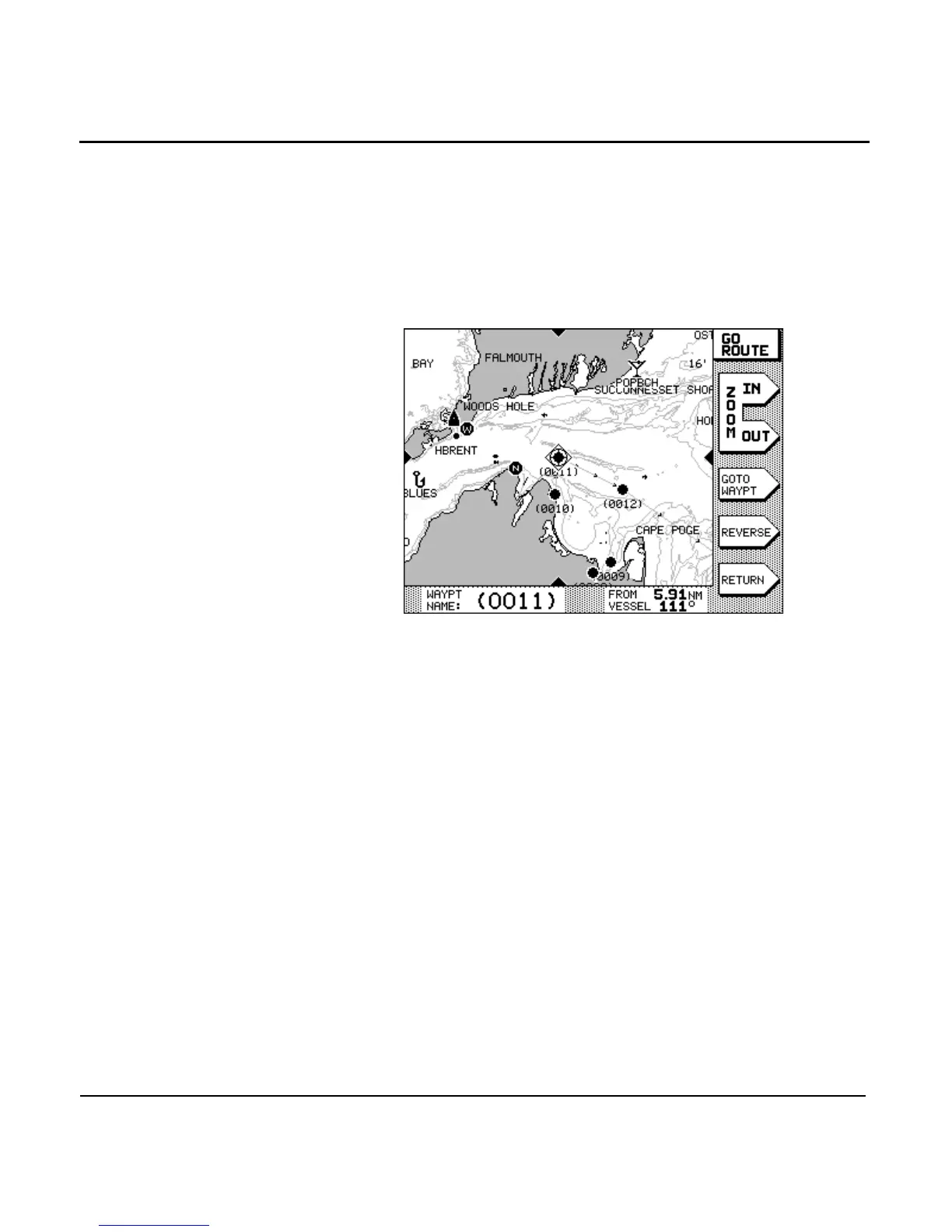
Navigating along routes
To follow a route that you’ve stored in the unit’s memory,
press the key, then the menu key.
Press the to select the route you want to follow,
and then press the menu key. The nearest waypoint in the
route is selected, but you haven’t actually begun to follow the
route yet.
Viewing the route
You can press the and menu keys to dis-
play a smaller or larger area of the route. You can also press
the to move around on the route, and to select
a different waypoint or leg.
If you change your mind and decide not to follow this route,
press to go back to the previous screen.
Reversing the route
To follow the route in the opposite direction of the small
arrows that are shown on the route legs, press the
menu key. The direction of the route—and the arrows—will
now change, end-to-end.
Starting the route
If you want to go directly to the selected (nearest) waypoint,
press the menu key, and the key. The
unit calculates a track line from your present position to the
first waypoint in the route.



 To Next Page