Chapter 3 - Using the Controls
951/952 Operator’s Manual Rev. B Page 35
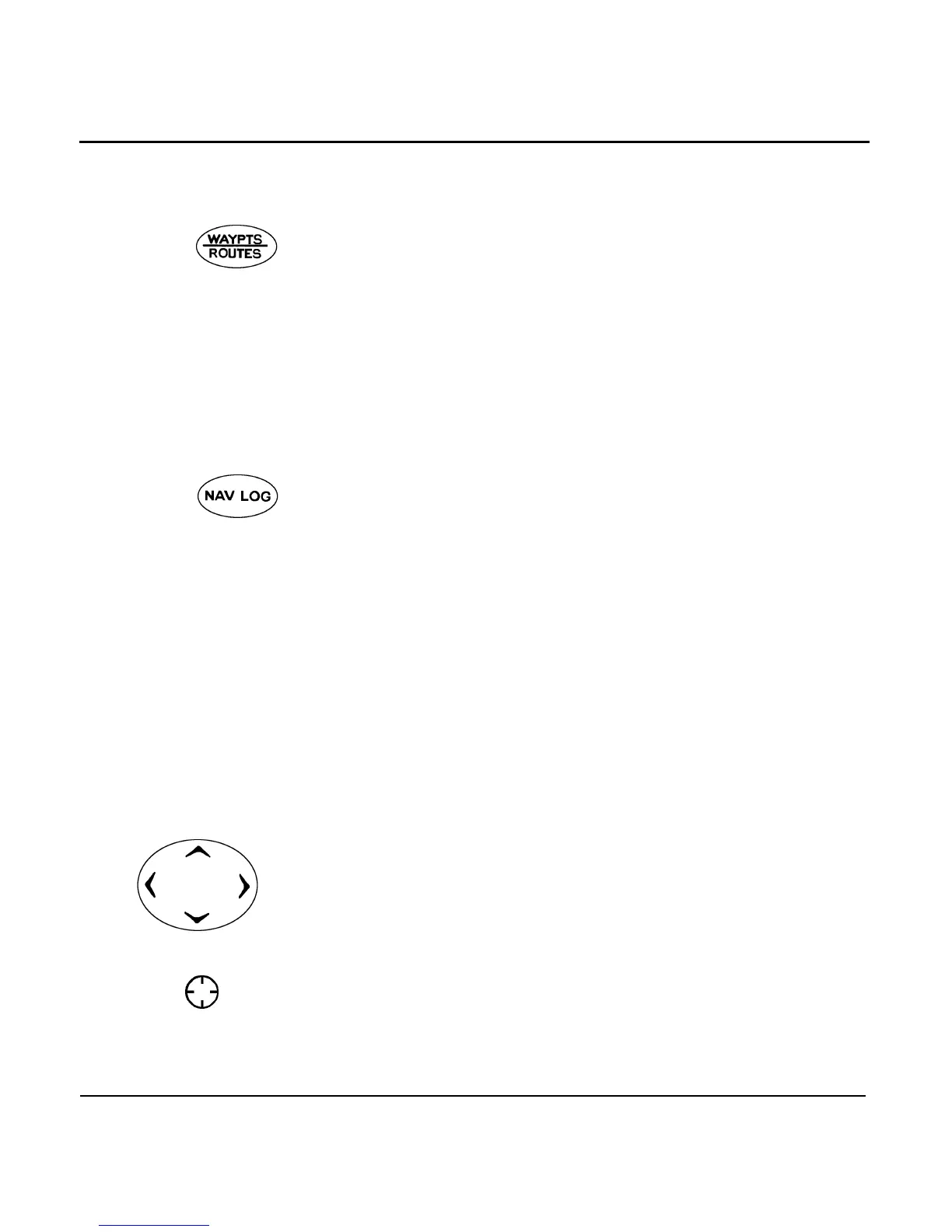
WAYPTS/ROUTES
function key
The function key lets you enter waypoints
and routes, access a library of waypoints and routes that
you’ve entered previously, or specify where you want to navi-
gate. From here you also can access the waypoint/route trans-
fer function, which lets you transfer all waypoints and routes
from one unit to another (if properly connected).
For more information on waypoint and routes, see Section 6,
”Creating Waypoints,” starting on page 73, and Section 7, ”Cre-
ating Routes,” starting on page 97.
NAV LOG function
key
The function key displays the waypoints you’ve
passed, and lets you change those points ahead of you. For
more information, see ”Understanding the nav log” starting on
page 128.
Using the menu keys
The five round keys on the right side of the display
screen are used for a variety of purposes, depending on what
screen the unit is displaying at the time. The current function
of each key is labeled on the particular screen.
Using the cursor pad
The large in the upper right corner of the unit
lets you move the cursor across the CHART screen in an up/
down, left/right, or diagonal direction. Press between any two
arrow indicators to move the cursor diagonally.
The is also used to move the flashing cursor to
the data you want to display or change on text display screens.
For example, when entering data (such as a waypoint’s name
or coordinates), press the’s down arrow to move
the cursor downwards to a particular area of data, and press
the pad’s right arrow to move the cursor to a particular charac-
ter in that area.
The cursor itself can be hard to find when it’s located in a busy
section of the chart. To help find it, cursor pointers are dis-
“Where do I
want to go?”
“How am I
doing?”



 To Next Page