Page 164 951/952 Operator’s Manual Rev. B
Chapter 11 - Customizing the Unit
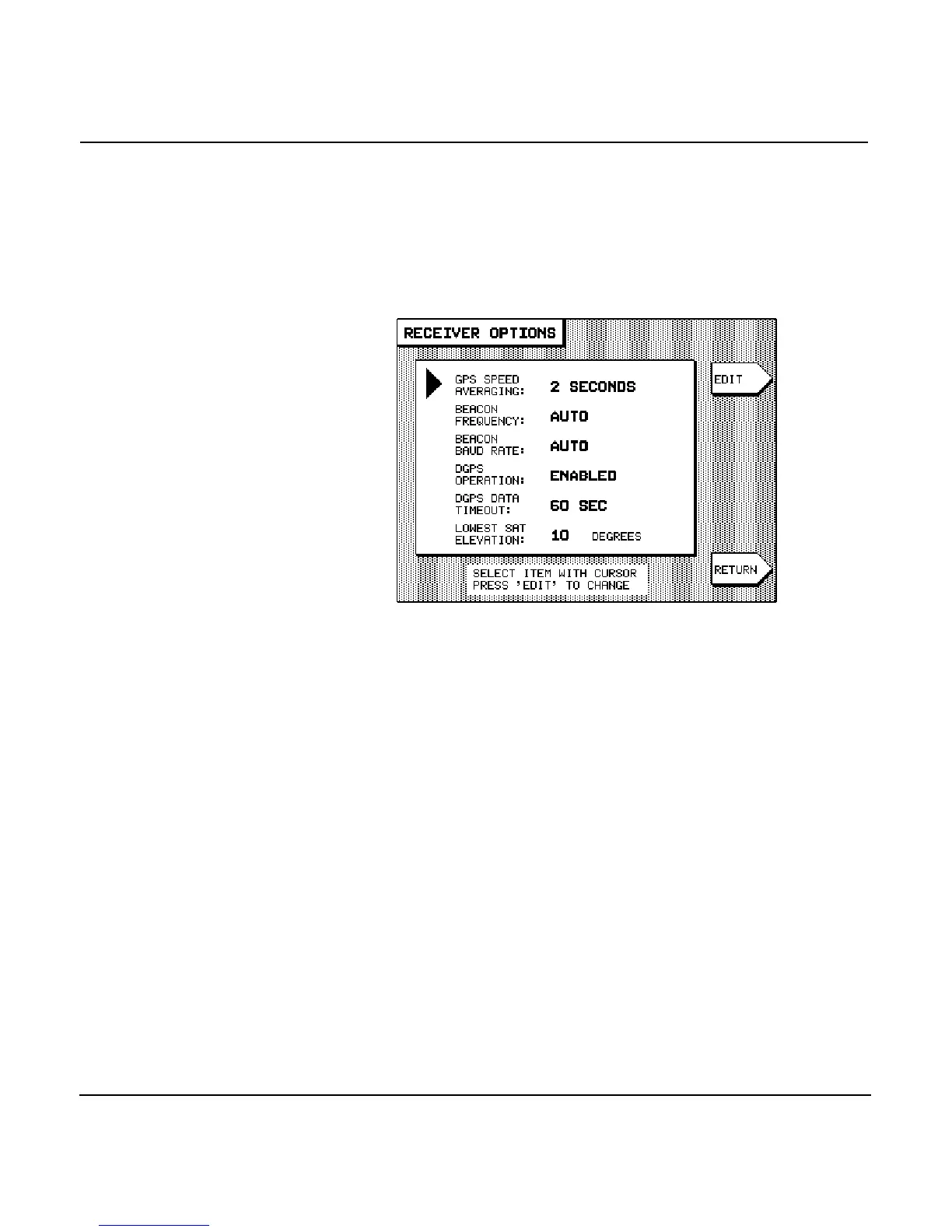
Changing receiver options
To access the unit’s GPS and DGPS receiver options, press the
key until you display the USER CUSTOMIZATION screen,
then press the menu key to display the
RECEIVER OPTIONS screen.
To change any of the options, select the option by pressing the
to move the arrow at the left of the screen, then
press the menu key. The option will flash, waiting for you
to change it using the or the .
Changing GPS
speed averaging
When you’re not using DGPS, you may notice that
Speed-Over-Ground readings obtained from the GPS satellite
system are slightly erratic, varying by up to several knots. The
GPS SPEED AVERAGINGfunction can often improve the steadi-
ness of these readings, at the expense of a slightly longer dis-
play reaction time when the speed changes.
With this function, you can select the time over which your
speed is averaged, with available values between two and ten
seconds. Averaging can also be turned completely off for the
quickest possible reaction time.
A longer averaging time is useful at lower speeds, where the
highest accuracy is required, such as when you want to trawl
at a certain optimum speed; in this case, you’ll see a
slower-changing, more steady display of your speed, with a



 To Next Page