Chapter 11 - Customizing the Unit
951/952 Operator’s Manual Rev. B Page 163
ting (in the DISPLAY OPTIONS menu) to enable your choice of
either feet or meters in the cross-track display.
Adjusting
steering-distance
precision
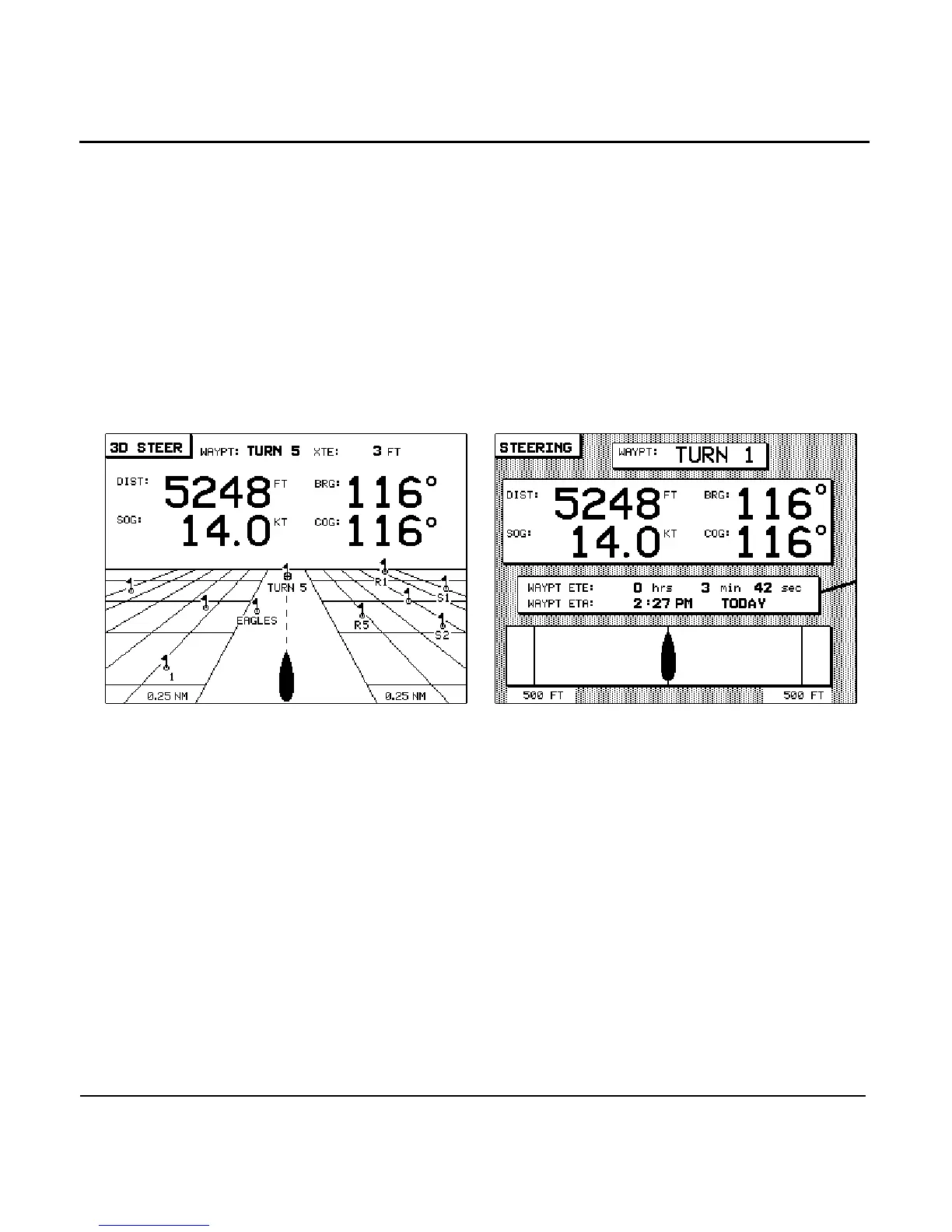
The STEER DIST PRECISION option offers an extra level of
accuracy to the distance-to-waypoint and cross-track error dis-
plays on both the STEERING and 3-D STEER screens. Situated
in the upper-left portion of the screens, the distance-to-way-
point is usually displayed in hundredths of miles or kilome-
ters.
However, if you change the STEER DIST PRECISION settings
from NORMAL to HIGH, the distance-to-waypoint and
cross-track error are displayed in feet or meters, whenever
you’re less than one mile or one kilometer from the destina-
tion waypoint.
To change the setting, press the menu key and press the
to view the available choices. Press the
key to make your selection, or to leave the option
unchanged.
Both steering screens will reflect your preference when you’re
less than one mile or kilometer from your destination.



 To Next Page