Chapter 7 - Creating Routes
951/952 Operator’s Manual Rev. B Page 101
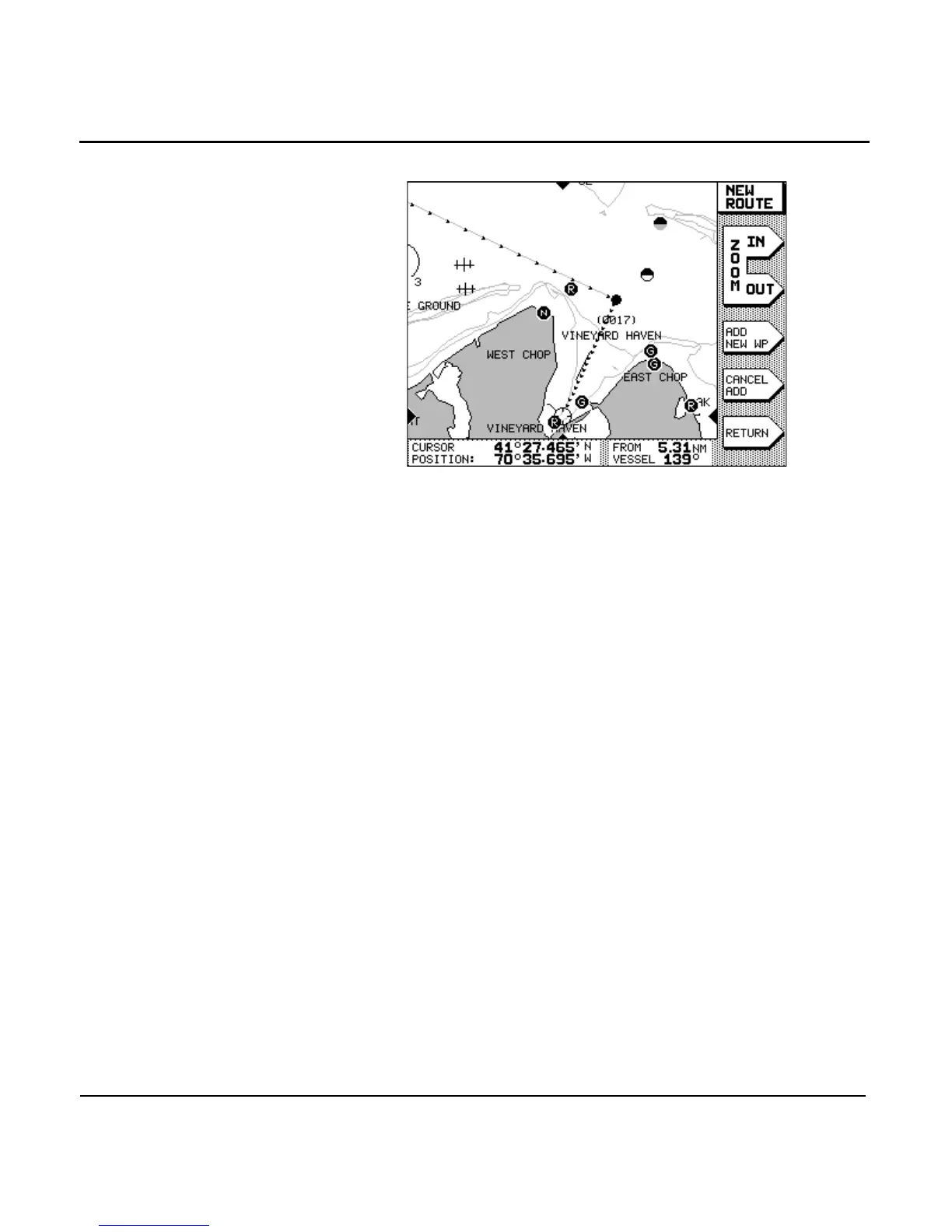
A line is drawn on the NEW ROUTE screen connecting the
waypoints, with small arrows indicating the direction of
the route.
Waypoints that are newly created as you travel are named
(0001), (0002), etc., as you enter them. The parentheses ( ) indi-
cate that the waypoint is part of a saved route, and the
four-digit number is used to uniquely identify each waypoint.
Each waypoint is automatically given a description consisting
of the time and date the waypoint was stored. You can change
waypoint names at any time by using the edit waypoint func-
tion (see ”Editing waypoints” starting on page 85).
Creating routes from a waypoints list
To create a route from a list of existing waypoints:
1. Press the key, then press the
menu key.
2. At the ROUTES screen, press the menu key. The NEW
ROUTE screen is displayed, asking you to enter the name
of the route.
3. Enter the name of the route using the and
.
4. If necessary, press the menu key to change the
entering style from chart-based to list-based, then press



 To Next Page