Page 142 951/952 Operator’s Manual Rev. B
Chapter 10 - Using Other Special Functions
4. Press the to select the desired station, and
press the key twice to display the tides for that
station.
Selecting a specific
day
The TIDE TRACK screen displays tide information for today’s
date. To enter a different date:
1. Press the menu key to display the TIDE TRACK
CONFIGURATION screen.
2. Press the menu key. The first character of the
present tide date flashes.
3. If necessary, press the to move to the
month or digit you want to change. To change a digit,
press that key on the . To change the month,
press the .
4. When the date is correct, press twice. Tide infor-
mation for the new date is now displayed.
Changing the time zone
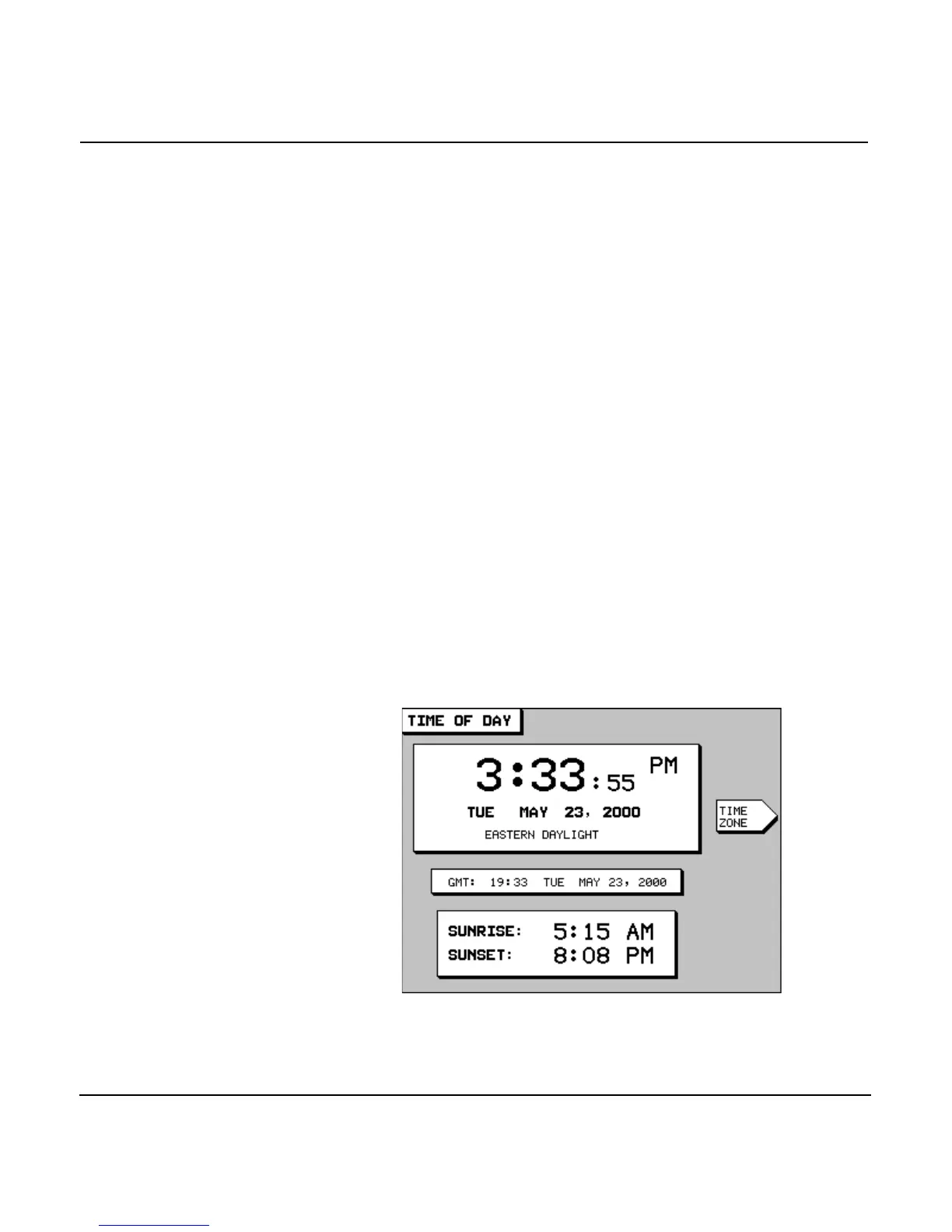
Press the key until you display the TIME OF DAY screen.
The time, date, local time zone, and time of today’s sunrise and
sunset are shown.
In the center of the screen, the current time expressed as
“GMT” (Greenwich Mean Time) is displayed. Note that the day



 To Next Page