Chapter 6 - Creating Waypoints
951/952 Operator’s Manual Rev. B Page 75
names in the unit's memory. If you want, you can also enter a
description of up to 16 characters on the line below the name.
Assigning waypoint
symbols
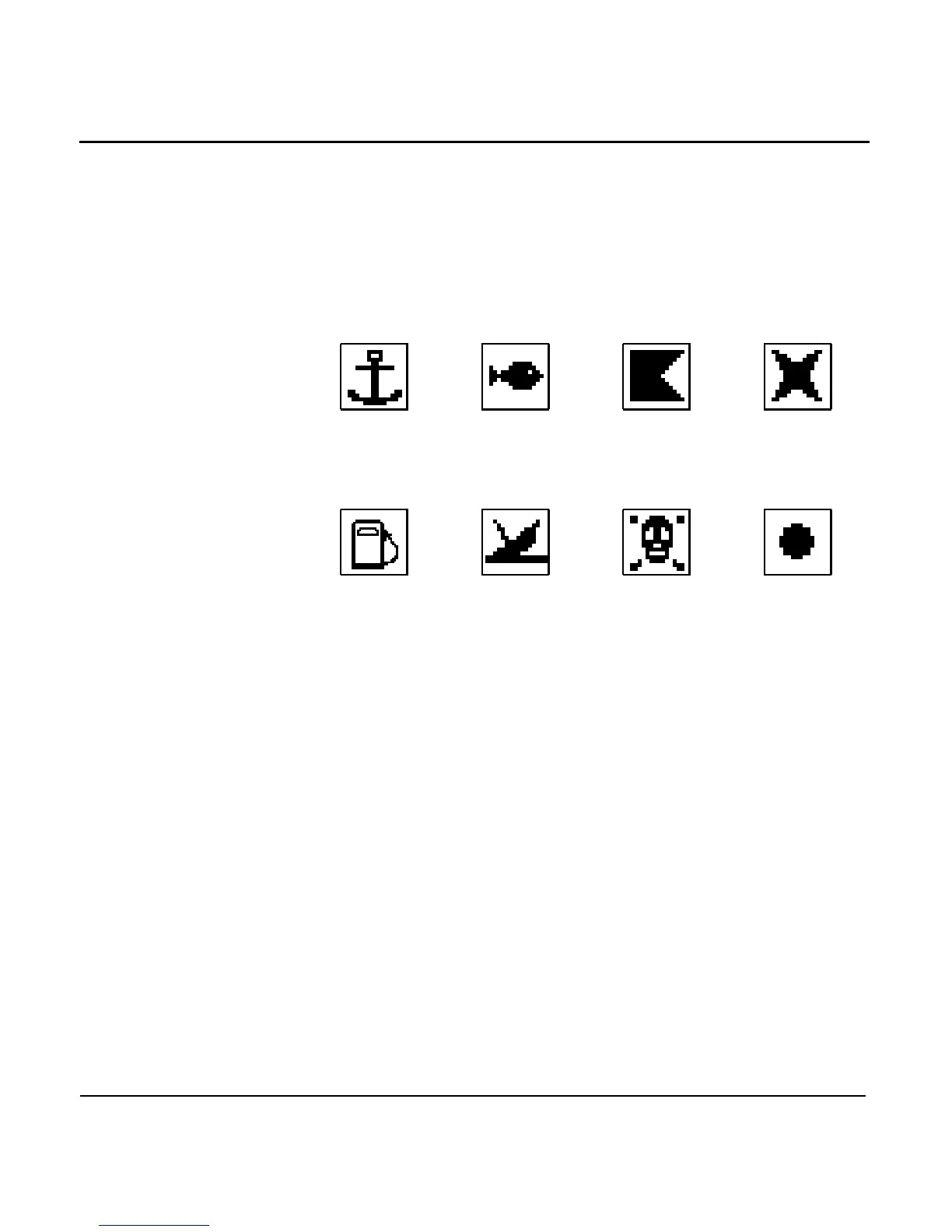
When creating or editing waypoints, you can assign a symbol
for the waypoint as a means of readily identifying it on the
CHART screen. You can choose from any one of 16 symbols,
eight of which are illustrated below.
ANCHOR FISH FLAG X
FUEL WRECK DANGER DOT
Figure 3: Waypoint symbols
Entering waypoints
from the chart
screen
To enter waypoints graphically:
1. Press the key.
2. Press the menu key. The unit now displays
the graphic WAYPTS CHART screen.



 To Next Page