Page 36 951/952 Operator’s Manual Rev. B
Chapter 3 - Using the Controls
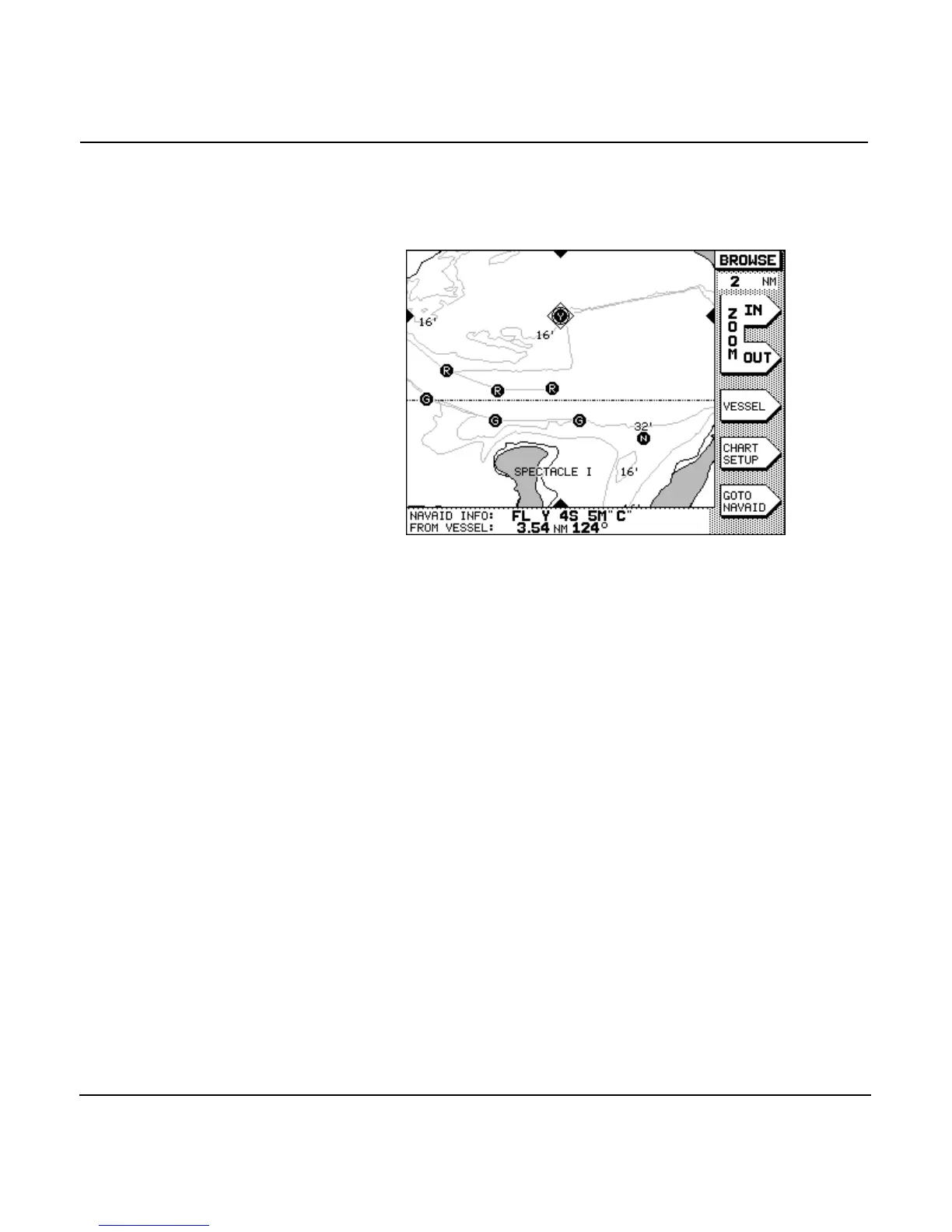
played at the screen edges (see screen below). They match and
follow the cursor position and can always be relied upon to
show you where the cursor is located. In the 952, both the cur-
sor and the cursor pointers are pink.
Using the alphanumeric keypad
The 12-key alphanumeric is used for entering num-
bers, letters, or special characters for waypoint coordinates,
names, and similar functions.
Entering numbers
When the unit is expecting you to enter numbers only, such as
waypoint coordinates, you can use the keys to enter
one digit, 0-9, with each keypress. The flashing cursor moves
automatically to the next digit position.
For entries such as latitude and longitude—where the digits
must be entered into specific character positions—the cursor
starts on the left side of the data area, and you enter characters
left to right into their correct positions.
For other numeric entries such as distances—where numbers
of different lengths can be entered—the digits are entered cal-
culator-style from the right side of the data area. If you make a
mistake, you can press the key to clear the entire num-
ber and re-enter it, or you can press the left-arrow of the
to re-enter particular digits, one at a time.



 To Next Page