Page 78 951/952 Operator’s Manual Rev. B
Chapter 6 - Creating Waypoints
Entering waypoints
numerically
To enter waypoints numerically:
1. Press the key.
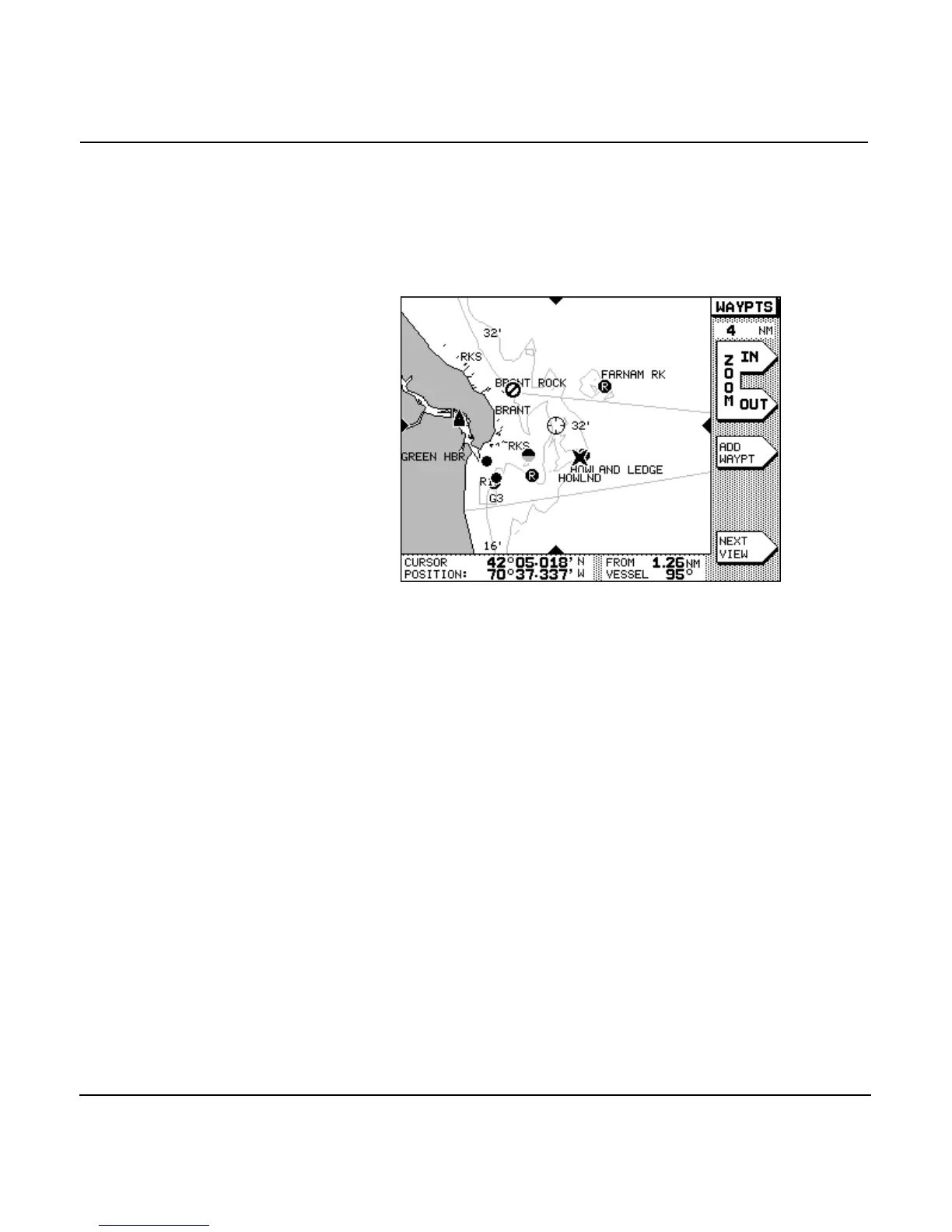
2. Press the menu key. The unit now displays
the graphic WAYPTS CHART screen.
NOTE:
List views will be shown instead if you were displaying lists during a previ-
ous viewing session. In this case, press the
menu key to
go to the
WAYPTS CHART
screen. If you want to see waypoints listed
numerically, press the
menu key to display waypoints listed
in order of distance (
LOCAL
list) or alphabetically (
ALPHA
list) or by
avoidance (
AVOID
list). The screen shown below is a sample
LOCAL
list screen.



 To Next Page