Chapter 11 - Customizing the Unit
951/952 Operator’s Manual Rev. B Page 155
1. Press the key to display the ALARMS screen (952) or
ALARMS & BACKLIGHT screen (951).
2. Press the to select ARRIVE RADIUS, and
press the menu key.
3. Enter the new value you want, then press the key,
or to leave the value unchanged.
Changing the
geodetic datum
Different regions of the world use various models for lat/lon
coordinates on their charts. Each model is called a “datum.”
You should always be sure that the datum your unit is using
matches the label on your Nav-Chart cartridge.
The geodetic datum option contains all referenced datums
according to Defense Mapping Agency publications.
To change the datum reference, press the menu key and
press the to scan through the alphabetic listing.
When your choice is displayed, press the key.
NOTE:
You can set a different datum for positional display than the one you set
for the output ports. For details, see the Northstar 951/952 Installation
Manual.
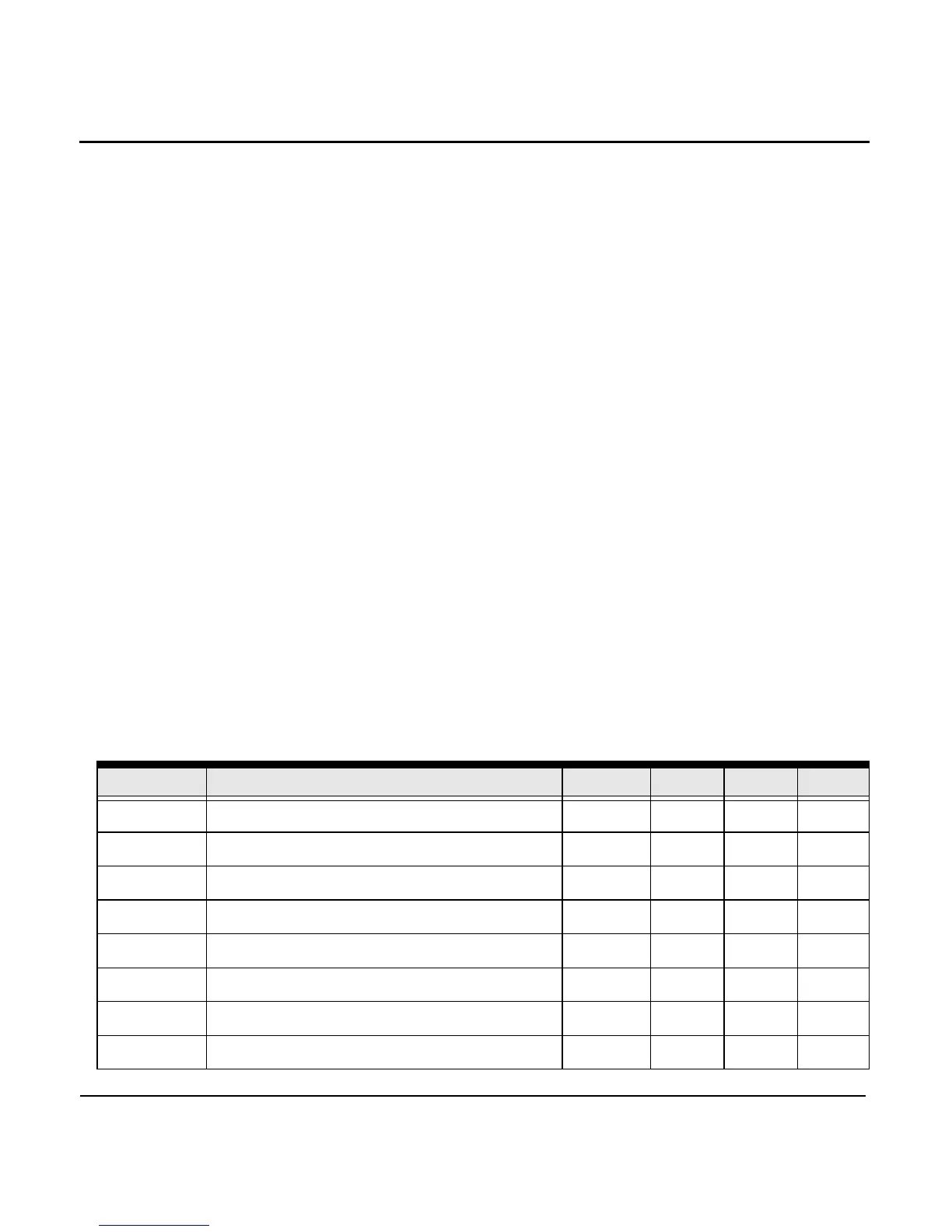
The following table lists the datums available in your unit:
Table 8: Datum list
ID Datum name ELLIPS. delta x delta y delta z
ADI_MN ADINDAN Mean—Africa CL1880 -166 -15 204
ADI_E ADINDAN—Ethiopia CL1880 -165 -11 206
ADI_MA ADINDAN—Mali CL1880 -123 -20 220
ADI_SE ADINDAN—Senegal CL1880 -128 -18 224
ADI_SU ADINDAN—Sudan CL1880 -161 -14 205
AFG AFGOOYE—Somalia KRASS -43 -163 45
AIN AIN EL ABD 1970—Bahrain Island INTL -150 -251 -2
ANA ANNA 1 ASTRO 1965—Cocos Islands AUSTR -491 -22 435



 To Next Page