Chapter 3 - Using the Controls
951/952 Operator’s Manual Rev. B Page 37
Entering letters
When the unit is expecting you to enter letters, such as way-
point names and descriptions, the operation is slightly differ-
ent.
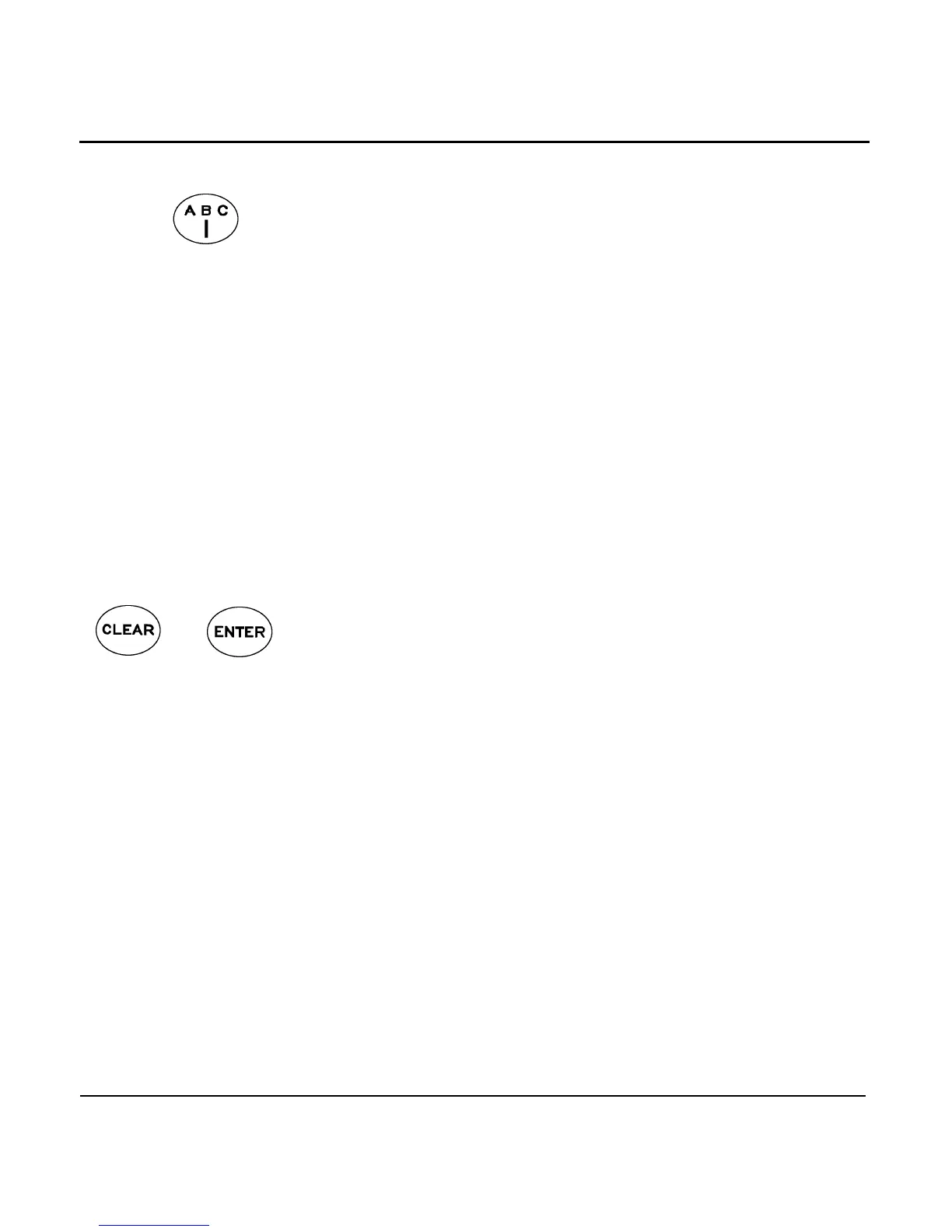
Each key is labeled with three letters (or other special charac-
ters) and a digit. For example, the upper left key is labeled with
the letters , , and the digit . Press the key one time to dis-
play the letter . Press the key again to display the second let-
ter, . Pressing a third and fourth time displays the letter
and the digit , respectively. A fifth press brings you back to
the letter again.
To enter a character, first find the key containing the charac-
ter, and press that key one to four times to display the desired
character. Finally, move the cursor to the next character posi-
tion by pressing the right arrow on the .
CLEAR and ENTER
keys
The also has and keys for erasing or
entering data that has been typed. The key removes
any data you’ve typed, setting the field to all blanks or restor-
ing the original value. Pressing the key is always the
last step when entering or changing data, or acknowledging an
action.
The and keys are also used to reject or accept
actions displayed in question boxes that appear on the screen.
For example, if you press GO TO CURSOR, the message START
NAVIGATING TO WAYPOINT? YES PRESS ENTER NO PRESS
CLEAR is displayed, and the unit waits for you to press
or .
Understanding the special display windows
Occasionally, the unit needs to inform you of something or ask
permission to do something. When this happens, a special
information or question window appears on the display. The
window contains an exclamation point (!), an INFO label, or a
large question mark (?),and a message for you to read.



 To Next Page