Page 50 951/952 Operator’s Manual Rev. B
Chapter 4 - Using Charts
•
present vessel position
The last press of the menu key turns the INFO
BAR off to show more of the area around you.
Using the cursor
pad
Pressing the instantly displays the cursor on
the CHART screen and changes the display from VESSEL to
BROWSE mode (described below).
Using
browse
mode
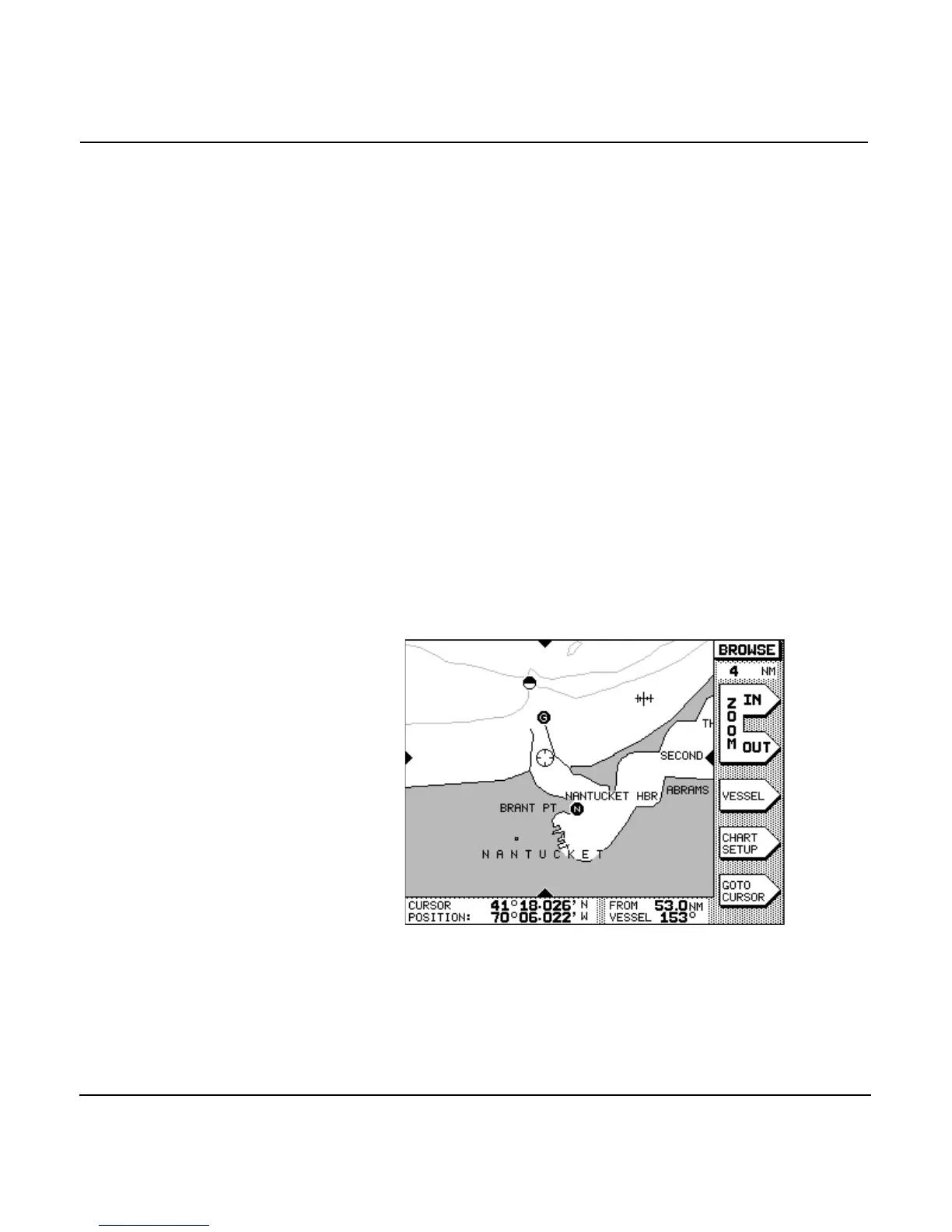
When the unit displays the word BROWSE in the upper-right
corner, it means that the unit is in BROWSE mode. Browse
mode lets you:
•
view any area on the chart—or the world map—by moving
the cursor there
•
quickly determine distance and bearing to other points on
the CHART screen
•
specify points to navigate to, directly on the CHART
screen.
Using the VESSEL
menu key
Pressing the menu key at any time displays your boat
at the center of the CHART screen and returns to VESSEL
mode.



 To Next Page