Page 76 951/952 Operator’s Manual Rev. B
Chapter 6 - Creating Waypoints
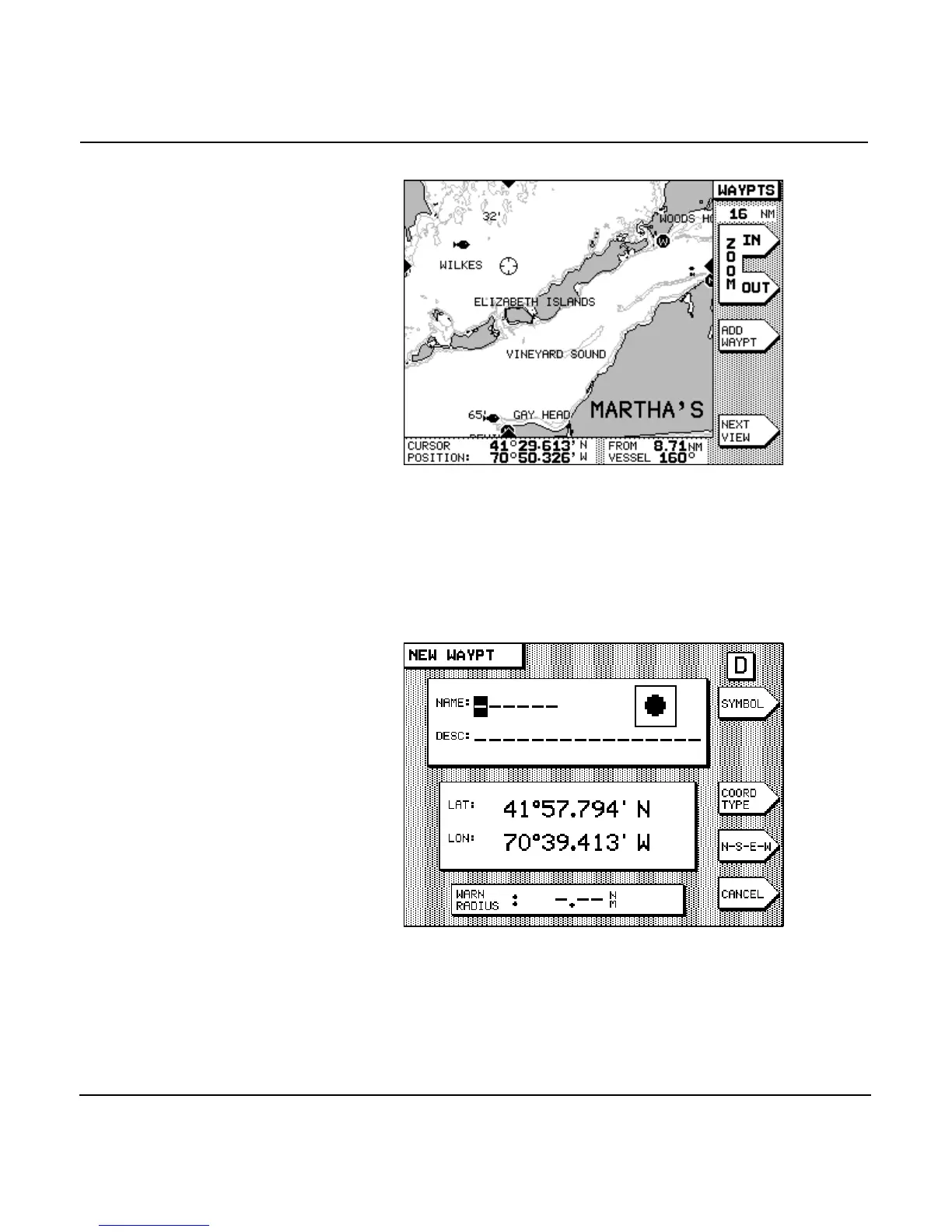
3. Press the to position the cursor where you
want to add the new waypoint. Zoom in or out, as neces-
sary, to obtain precise placement of your waypoint.
4. Press the menu key to display the NEW
WAYPT data entry screen.
The position coordinates displayed in the lat/lon box are
those that you designated by the cursor location on the
screen. You can adjust them here, if you need to, by press-
ing the to move the cursor to the lat and
lon fields. Press the menu key to choose



 To Next Page