Chapter 10 - Using Other Special Functions
951/952 Operator’s Manual Rev. B Page 141
Choosing a nearby
tide station
You can select from any of the nine tide stations closest to
your present position, or from any of nine tide stations closest
to any point that you designate on the chart.
1. While viewing the TIDE TRACK screen, press the
menu key to choose a nearby tide station.
2. Press the menu key.
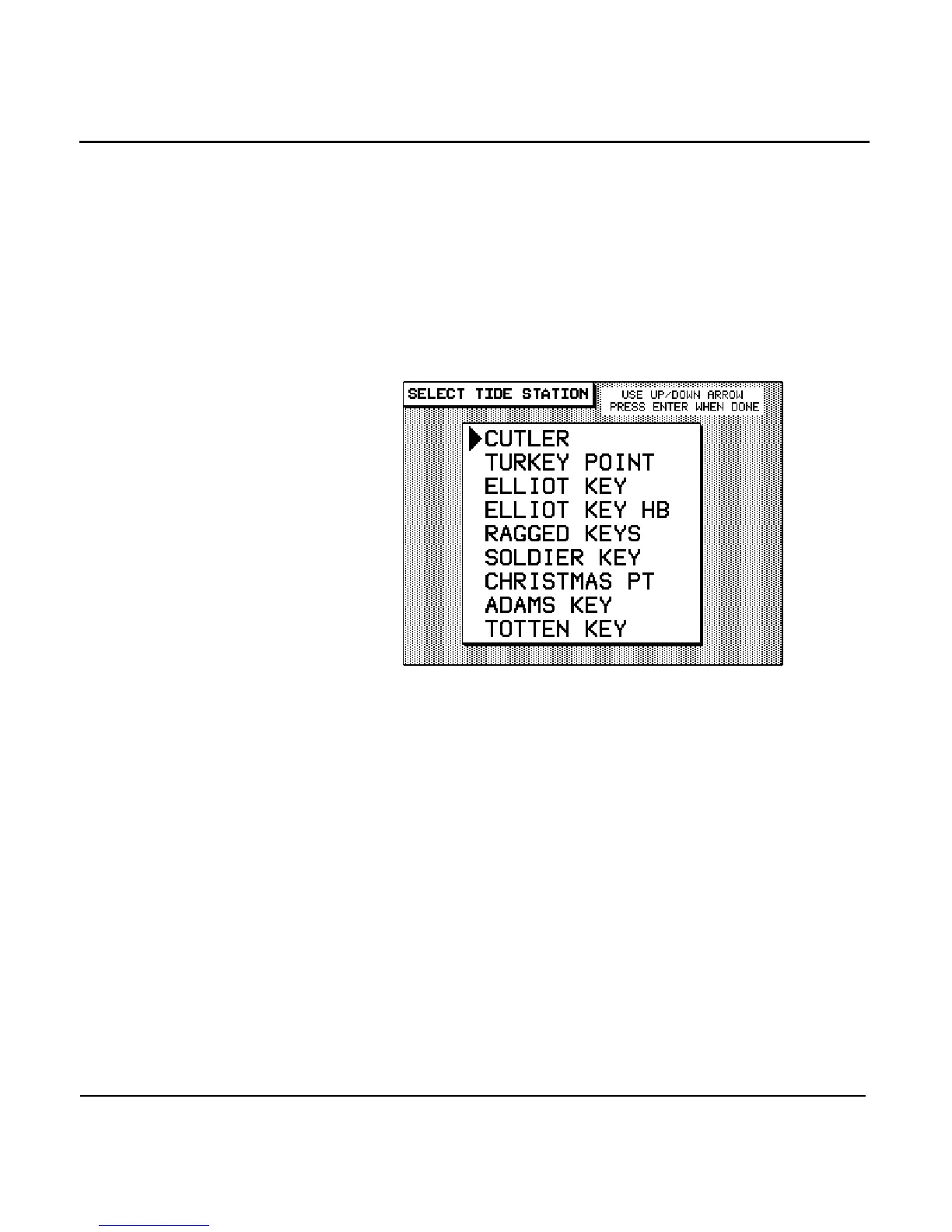
The unit searches for the nine closest stations to your
present position and display a list like the following, with
the closest station at the top:
3. Press the to point to the desired station,
and press the key twice to return to the TIDE
TRACK screen and display the tides for that station.
Choosing a tide
station from the
chart
You can choose a tide station from the CHART screen by posi-
tioning the cursor at virtually any location along the U.S.
coastline.
1. On the TIDE TRACK screen, press the menu key.
2. Press the menu
key.
3. Press the to select the location for which
you want tide information and press the key. A list
of the nine closest tide stations to that cursor location is
displayed.



 To Next Page