Chapter 1 - Quick Start
951/952 Operator’s Manual Rev. B Page 13
3. Press the menu key at the lower right of
the screen.
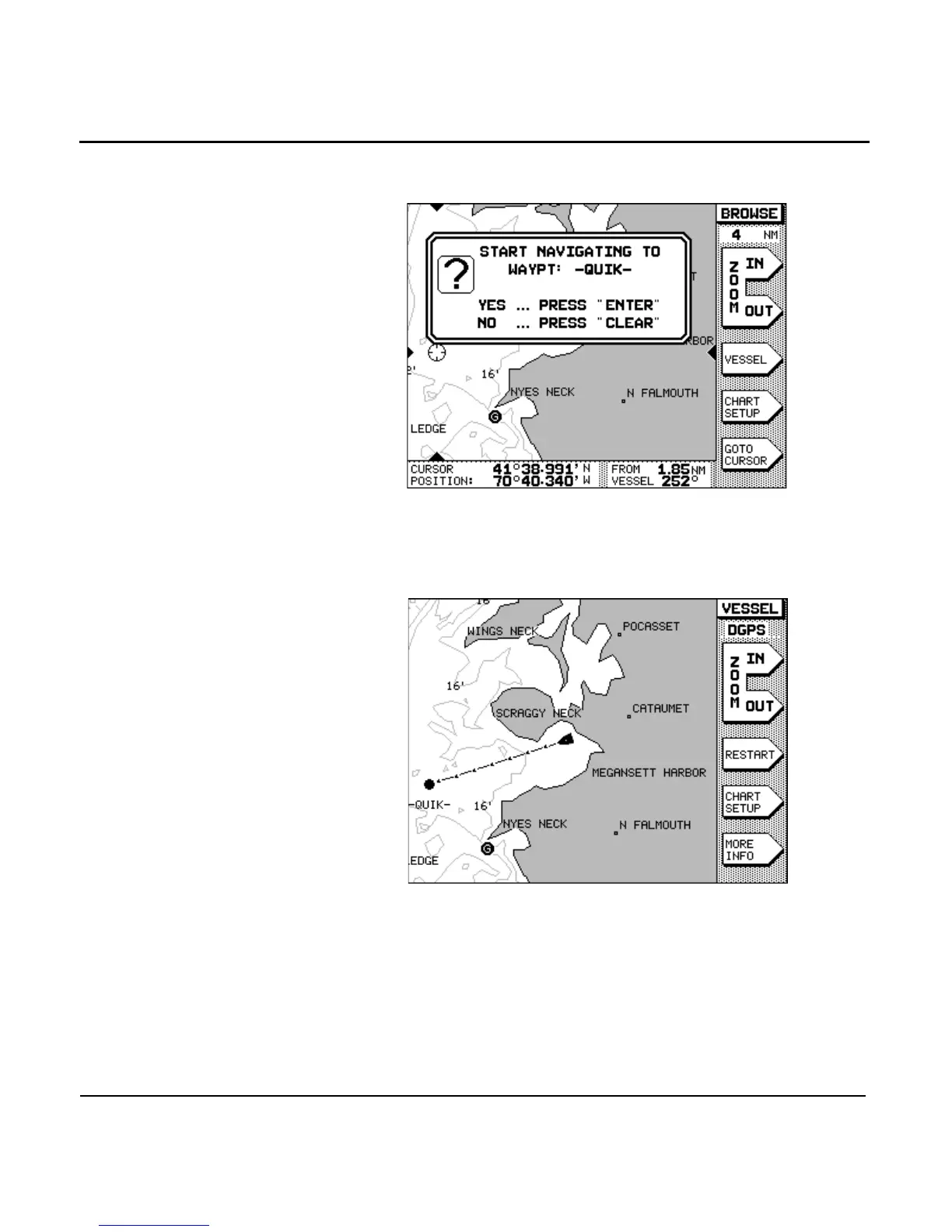
4. When prompted with the message START NAVIGATING
TO WAYPOINT: -QUIK-, press the key.
Now the unit displays a track line to the new waypoint (auto-
matically named -QUIK-). At the bottom of the screen, you can
display distance and bearing information to the waypoint by
pressing the menu key. You’ll probably want to
return to the vessel-centered mode; do so by pressing the
menu key.



 To Next Page