Chapter 7 - Creating Routes
951/952 Operator’s Manual Rev. B Page 103
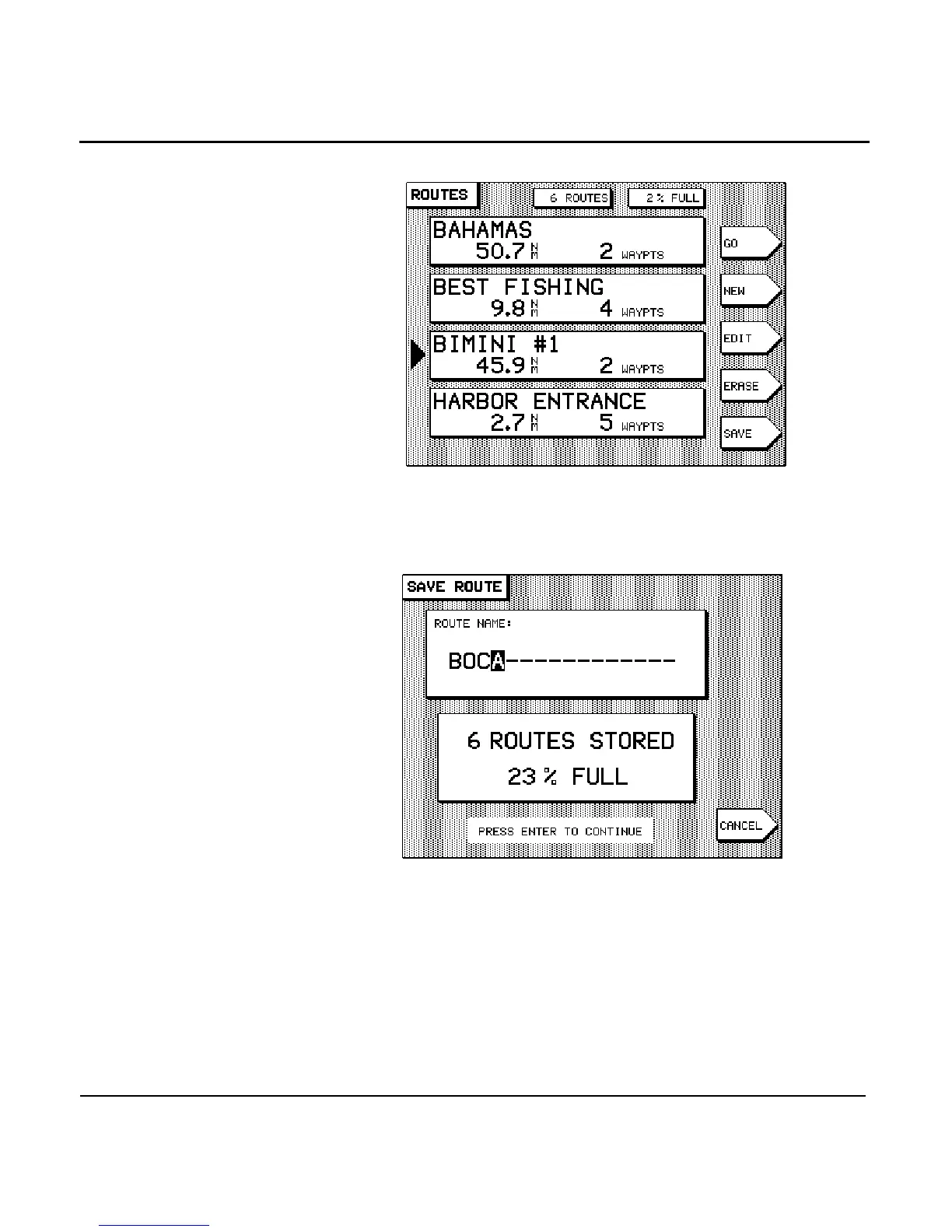
2. Press the menu key to instruct the unit to begin
saving a route automatically. The SAVE ROUTE screen is
displayed, asking you to enter the name of the new route
to be saved.
3. Enter the name of the new route to be saved using the
and , and press the key.
The unit displays the message SAVING TO: [ROUTE
NAME] at the bottom of the ROUTES screen, confirming
that your route is now being saved.


 To Next Page
 Loading...






