Page 106 951/952 Operator’s Manual Rev. B
Chapter 7 - Creating Routes
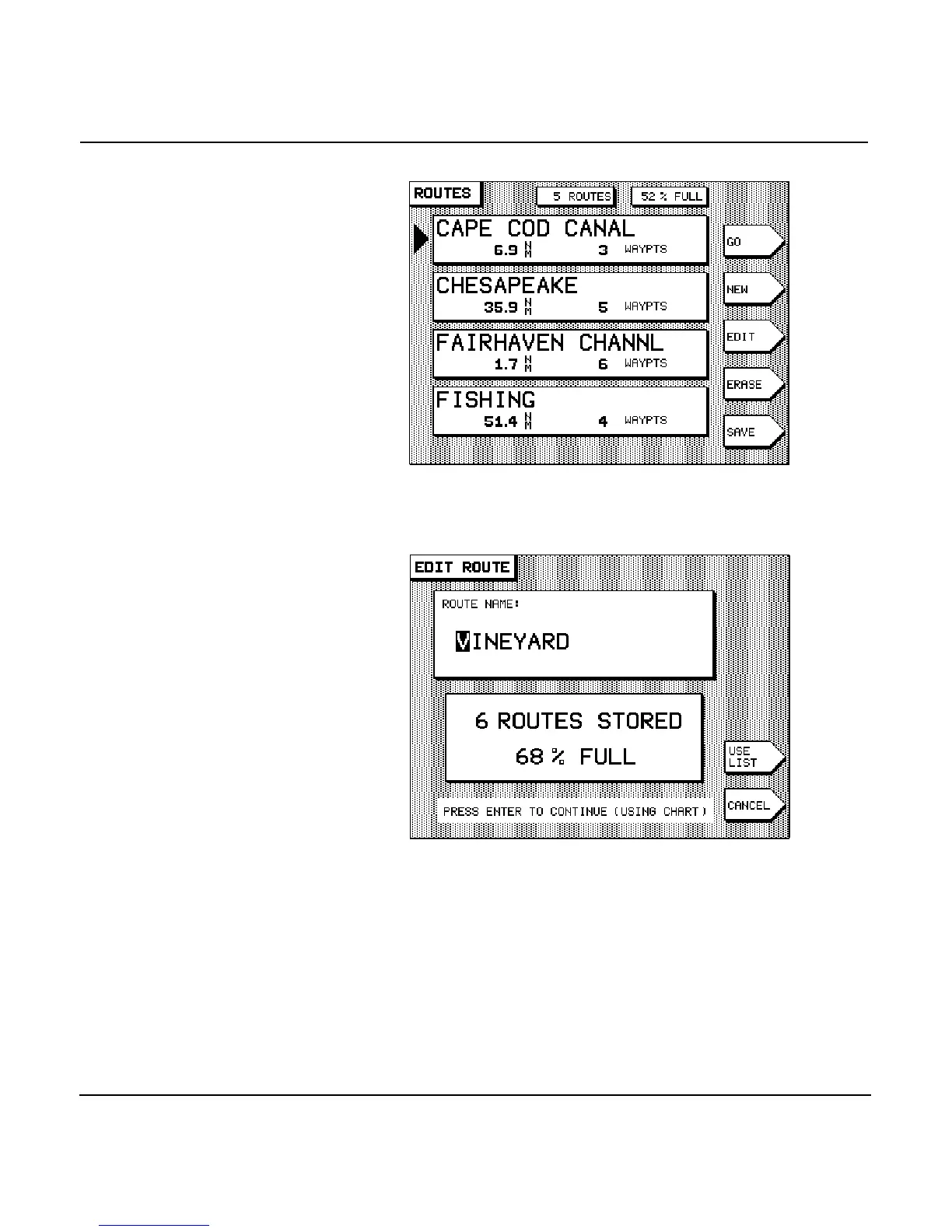
2. Press the to select the route you want to
change. Press the menu key. The name of the route
is displayed on the EDIT ROUTE screen.
3. If you want to change the route’s name, do so now.
4. If you want to use chart-based editing, there should be a
menu key called on the EDIT ROUTE screen. If
the menu key reads , press it once so that it
reads , then press the key.
The EDIT ROUTE chart screen is displayed, showing the
route you selected. The direction of the route is indicated
by a series of small arrows in each leg, and the cursor is
situated in the middle of the screen.



 To Next Page