Chapter 3 - Using the Controls
951/952 Operator’s Manual Rev. B Page 39
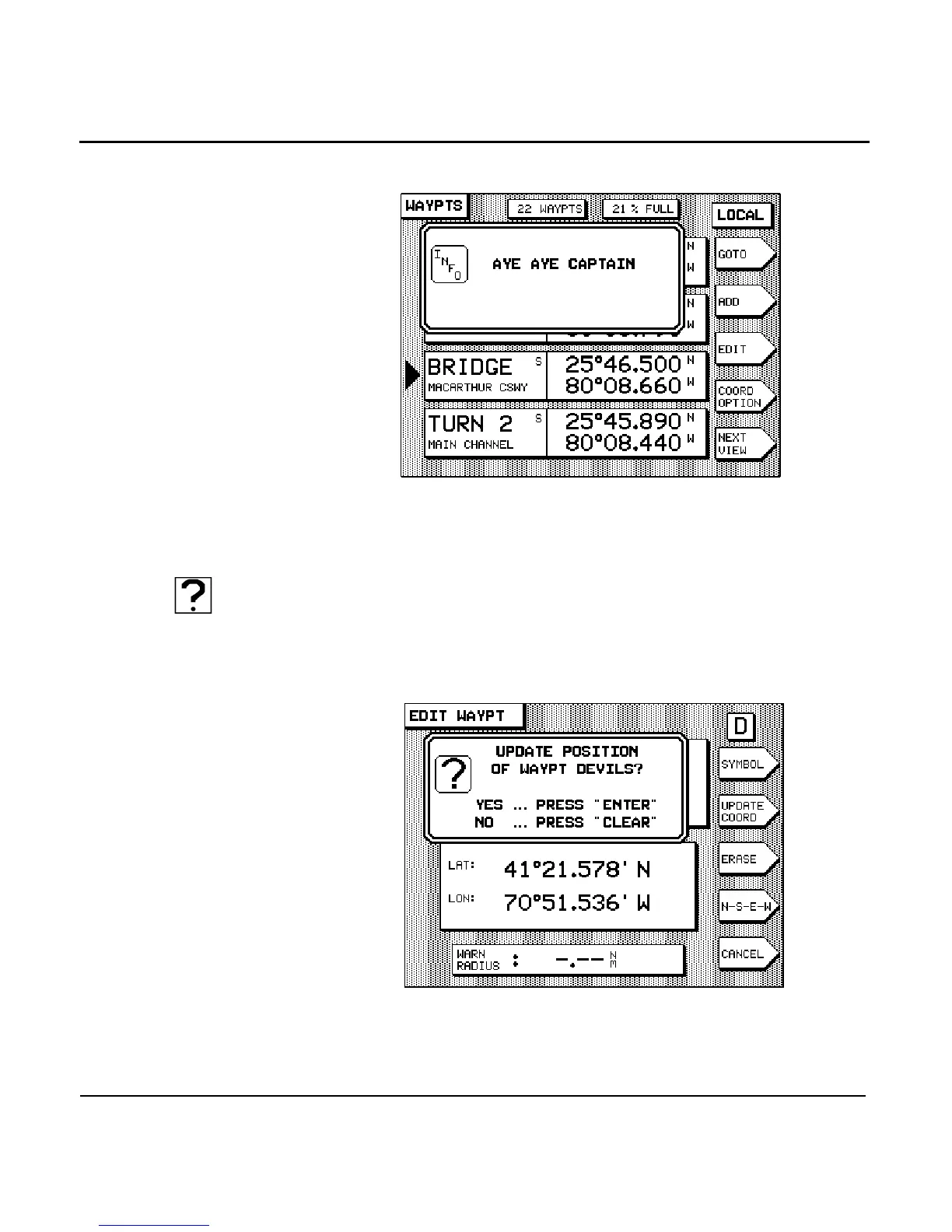
Question windows
Question windows appear when the unit needs to know more
about what you want to do. A question mark always appears in
this type of window.
You must respond to any question window by pressing the
key to answer yes, or to answer no. All other
keys, including the function keys, are inactive when a ques-
tion window is displayed.



 To Next Page