Page 68 951/952 Operator’s Manual Rev. B
Chapter 5 - Determining Position Coordinates
3. Press the menu key. The cursor begins flashing.
4. Press the to display EXTERNAL LRN as the
position source. If you change your mind, press to
restore the original setting; otherwise, press the
key, then the menu key, then the key.
Viewing loran TDs
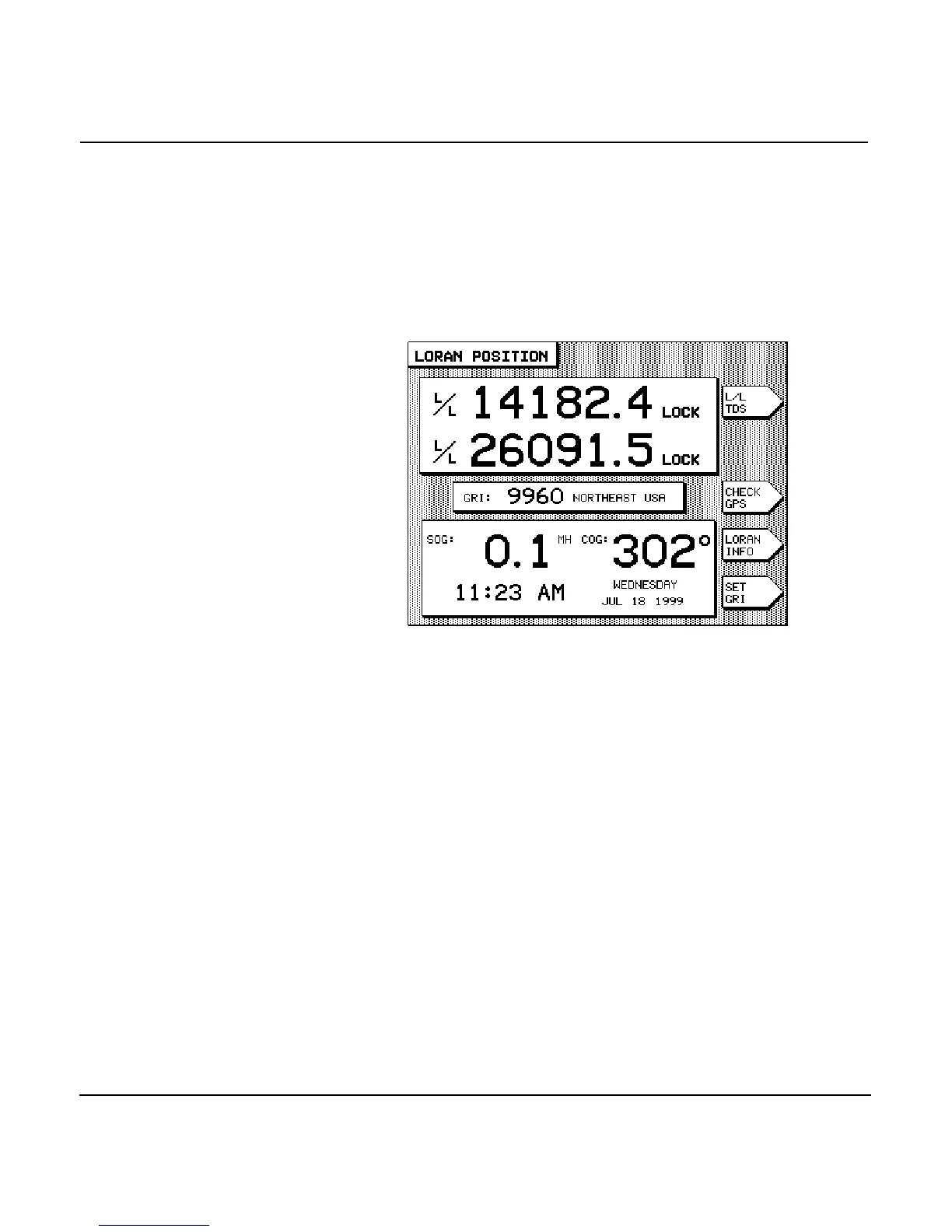
Shown below is a sample LORAN DISPLAY screen.
Press the menu key several times to display either the
particular pair of TDs you want to use, or the loran-derived lat-
itude/longitude.
NOTE:
If you want the unit to display loran position coordinates from an exter-
nally-connected loran receiver, the loran must support the standard
NMEA 0183 “RMA” output data sentence structure. Without this output
capability, the 951/952 won’t receive position data from the loran. For best
results, connect a Northstar 800 series loran to the unit, using the 800’s
“PRINTER 3” output format (see the Northstar 951/952 Installation Man-
ual).
Setting loran GRI
To change the four-digit loran Group Repetition Interval (GRI),
press the menu key on the LORAN POSITIONscreen.
For the unit to accurately convert the loran’s TDs to latitude/
longitude position fixes, the GRI must correctly match the GRI
being used by your loran receiver.



 To Next Page