Chapter 5 - Determining Position Coordinates
951/952 Operator’s Manual Rev. B Page 71
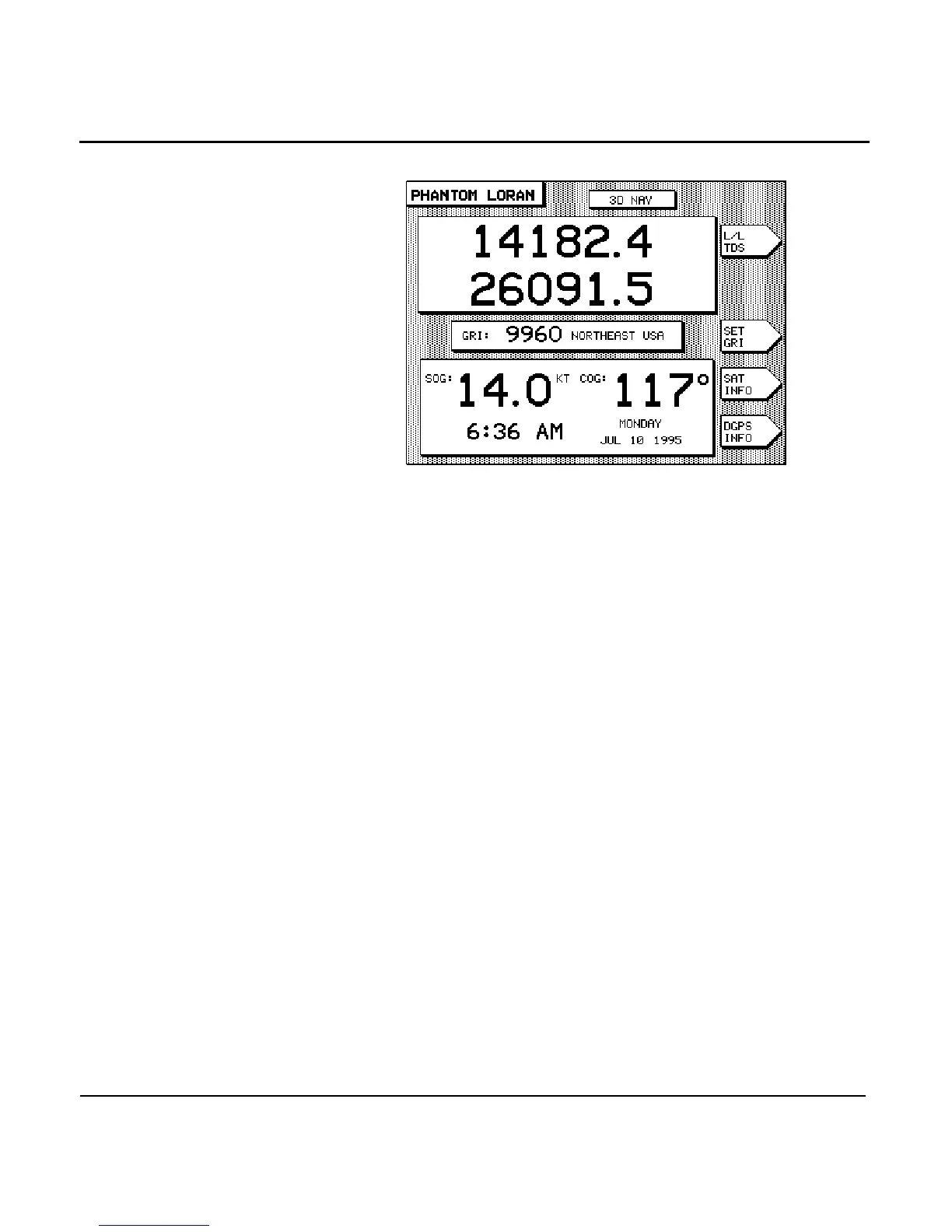
Shown below is a sample PHANTOM LORAN screen.
Viewing Phantom
Loran TDs
Press the menu key several times to display either the
particular pair of TDs you want to use or GPS latitude/longi-
tude.
Setting Phantom
Loran GRI
Press the menu key to change the GRI to be used in
calculating the displayed TDs. Press the to dis-
play the available GRIs one at a time. When the GRI is correct,
press the key.
Checking GPS status
Press the menu key to display the status of the GPS
receiver to temporarily display GPS coordinates and signal sta-
tus (see ”Viewing GPS status” starting on page 62). Press
to go back to the PHANTOM LORAN screen.
Checking DGPS
status
Press the menu key to display the current status
of the differential receiver, including SNR, SIGNAL, and NOISE
values (see ”Displaying DGPS status” starting on page 65).
Press to go back to the PHANTOM LORAN screen.
DGPS corrections
The large letter D displayed in the upper right corner of the
screen indicates DGPS corrections are being received and used



 To Next Page