Page 86 951/952 Operator’s Manual Rev. B
Chapter 6 - Creating Waypoints
Changing waypoints
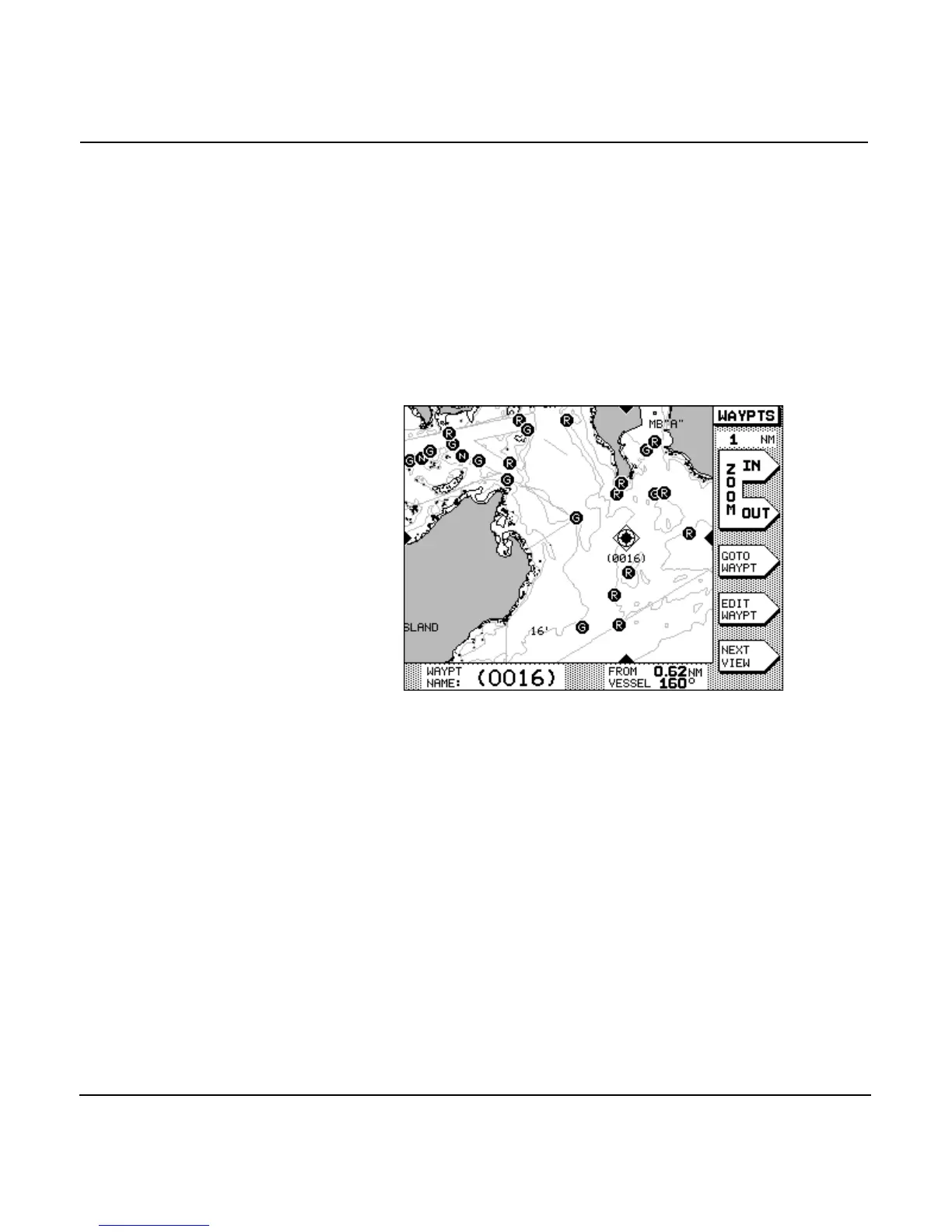
To display waypoints already stored, press the
key, then themenu key. The unit dis-
plays waypoints in the format you last used (WAYPTS CHART,
LOCAL, ALPHA or AVOID screen). If necessary, press the
menu key to display the format you want. Use the
to point to the desired waypoint. On theWAYPTS
CHART screen, select the waypoint by moving the cursor onto
the waypoint so that it’s highlighted with a diamond-shaped
box around it. When selected, its name and distance and bear-
ing from your vessel are displayed in the INFO BAR at the bot-
tom of the screen.
To edit on the WAYPTS CHART screen, press the
menu key. To edit any of the list screens, press the menu
key. In either case, you can now change the name, description,
coordinates, and warning radius of the waypoint.



 To Next Page