NOVA chat User’s Guide Page 101
To include the SDB Clear button ( ) in scans:
Turn scanning of the Speech Display Bar’s Clear button ( ) on or off by
choosing Menu > Settings > Input > Scanning > Patterns > Scan Clear
Button.
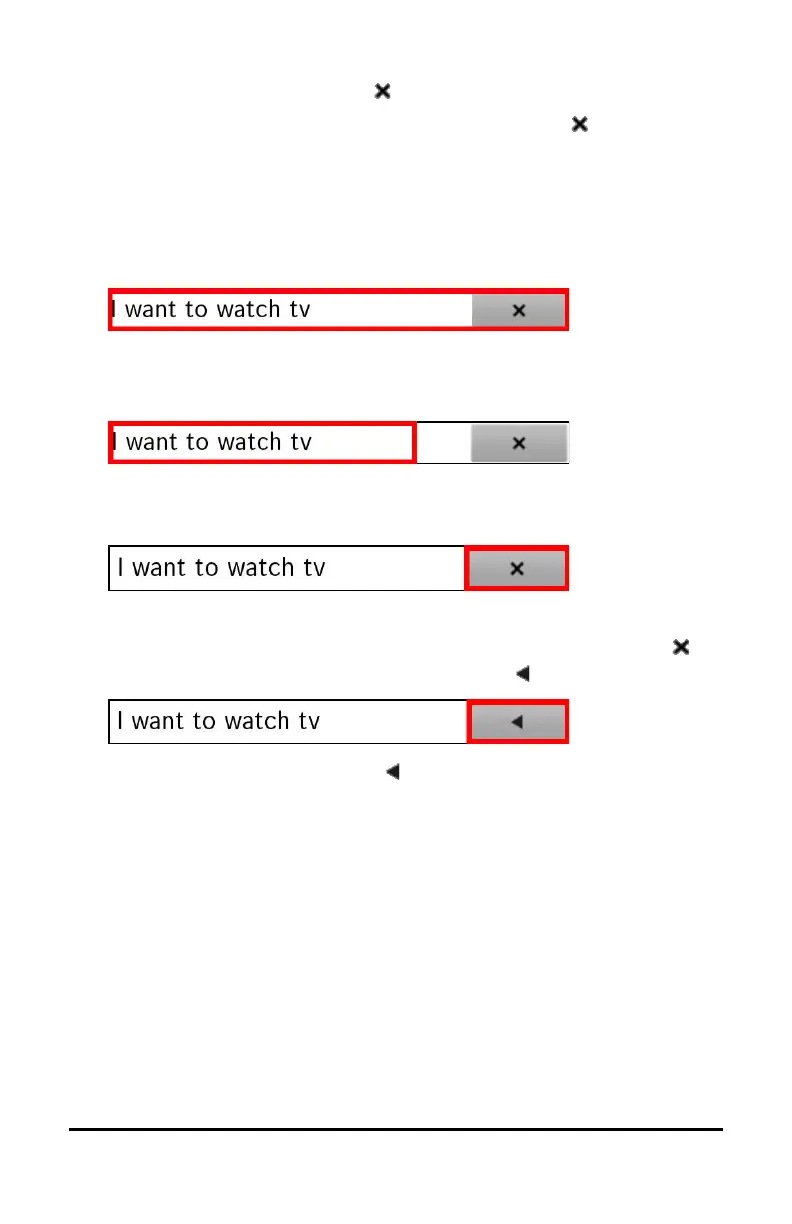
When Scan Clear Button is turned on, the SDB is scanned as follows:
1. When the scan reaches the SDB, the entire SDB is highlighted.
2. With the SDB highlighted: If the user presses the switch, the text is
highlighted and spoken.
3. With the SDB highlighted: If the user does nothing, the Clear Button
is highlighted.
4. With the Clear Button highlighted: If the user presses the switch,
the last word in the display is cleared. If the user does nothing,
on the Clear Button automatically changes to .
5. With the Clear Button showing : If the user presses the switch, all
the text is cleared. This is the equivalent of pressing and holding the
Clear Button.



 To Next Page