NOVA chat User’s Guide Page 48
Exploring Vocabulary Files
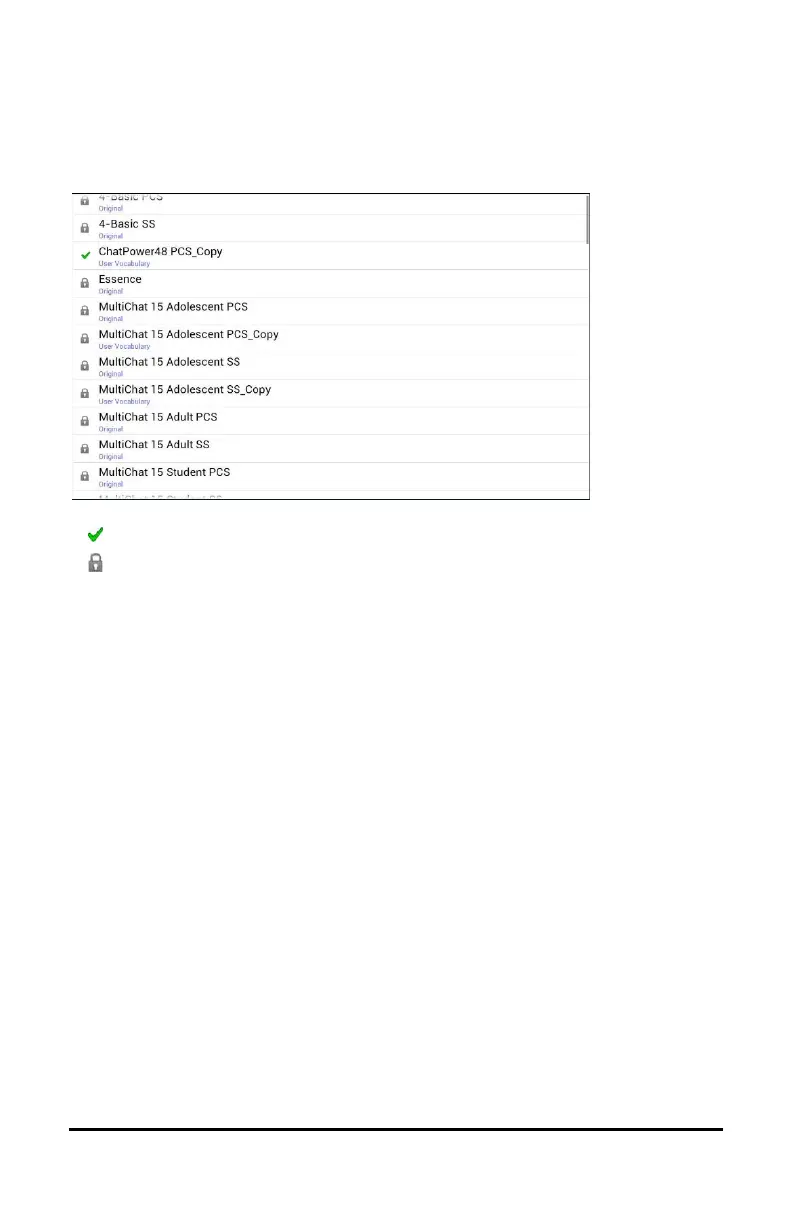
The application provides a variety of vocabulary files. To view these
files, choose Menu > Library. Available vocabulary files will be listed.
The vocabulary file that is currently open.
An original Saltillo-provided vocabulary file that cannot be modified or
deleted. To customize a vocabulary file, make a copy of it and
customize the copy. See “Creating a Customized Vocabulary File” for
ways to make a copy.
Important!
A vocabulary file that you customized with release 2.2 software or later
can be transferred between Chat Editor and a NOVA chat device, a Chat
Fusion™ device, or a TouchChat™ device.
For information on transferring vocabulary files, see “Transferring
Vocabulary Files” on page 140.



 To Next Page