NOVA chat User’s Guide Page 113
Deleting a Custom Scan Pattern from All Pages
If you no longer need a custom scan pattern that you applied to all
pages, follow these steps to delete it.
1. Choose Menu > Edit Mode > Pages.
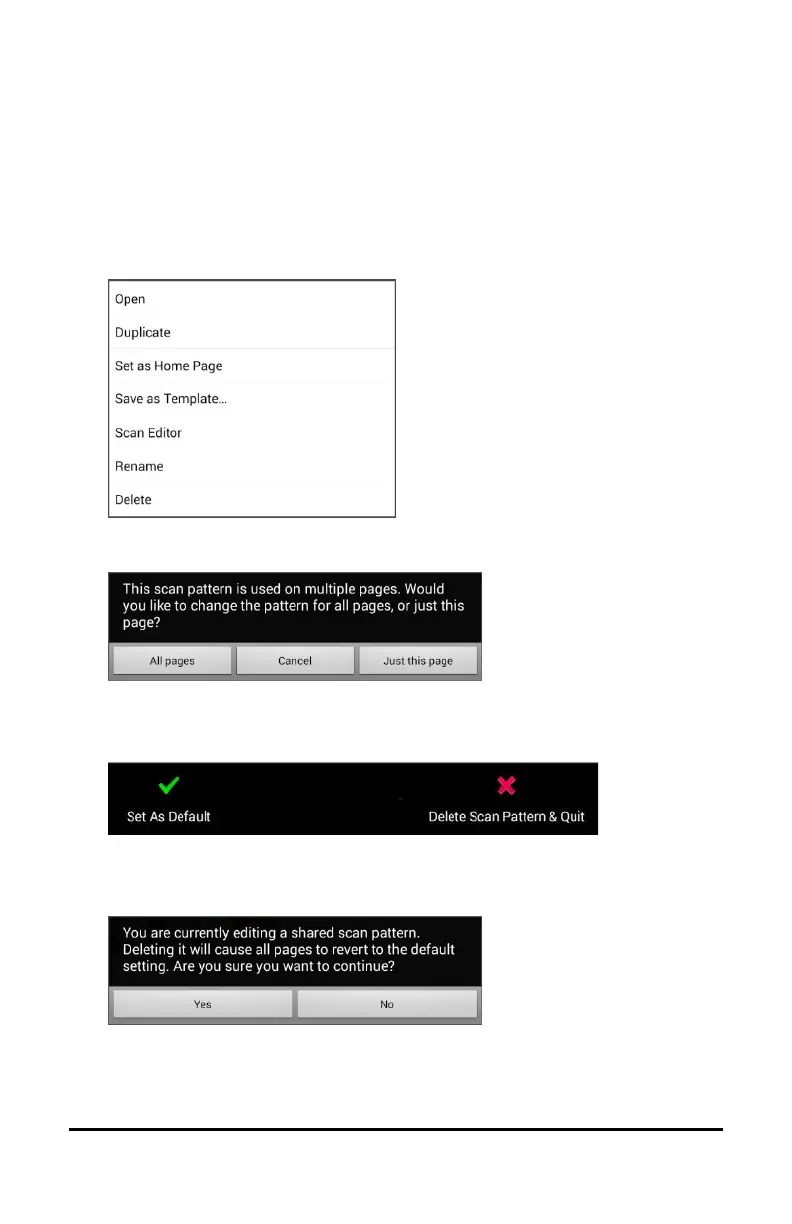
2. Choose any page in the vocabulary that has the custom scan
pattern. The following menu will open:
3. Choose Scan Editor. The following prompt will be displayed.
4. Choose either All Pages. The custom scan pattern will be displayed.
5. Choose Menu. An additional menu will open.
6. Choose Delete Scan Pattern & Quit. A confirmation prompt will be
displayed.
7. Choose Yes.



 To Next Page