NOVA chat User’s Guide Page 125
Setting the Date and Time
You can set the date and time from the Settings menu, and you can
create a button that speaks and displays the current date and time.
Changing Date and Time Settings
Choose Menu > Settings > System > Date and Time. Then set the date,
time zone, time, and the appropriate date and time formats.
Creating a Date/Time Button
Note: Be sure that the Date and Time setting is correct before creating a
date/time button. See “Changing Date and Time Settings”.
To create a button that displays and speaks the current date and time:
1. Choose Menu > Edit Mode.
2. Press and hold the button you want to modify. (Right-click if you are
using the Editor.)
3. Choose Edit Button to display the Button Properties.
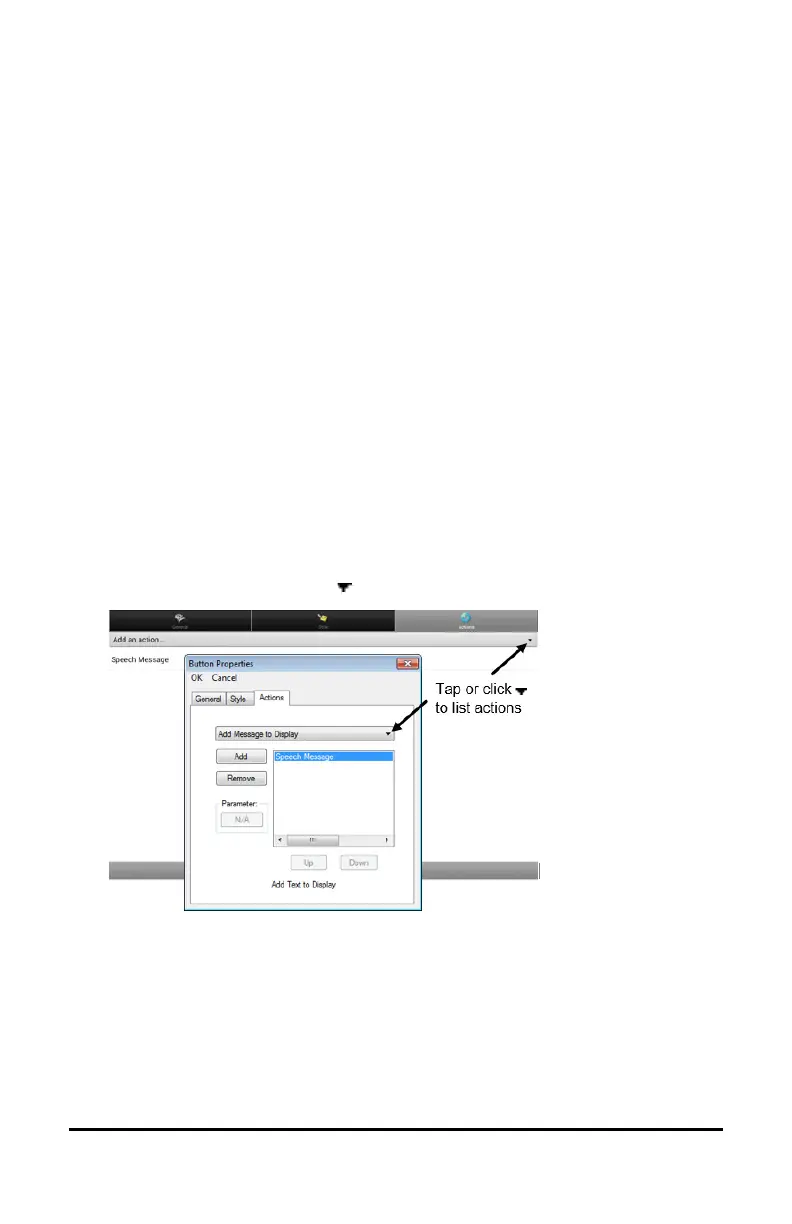
4. Choose the Actions tab.
5. Tap or click the list arrow to open a list of actions.
6. From the list of actions, choose Add Time/Date to Display.
7. Remove any existing actions for the button that do not apply.
8. Choose the General tab and add a label or/and symbol.
9. Choose the Style tab and set the appropriate style.
10. Choose Save.
When you choose the button, it should speak and show the date and
time in the Speech Display Bar.



 To Next Page