NOVA chat User’s Guide Page 129
Note: To turn data logging off, select Data Logging to remove the green
checkmark.
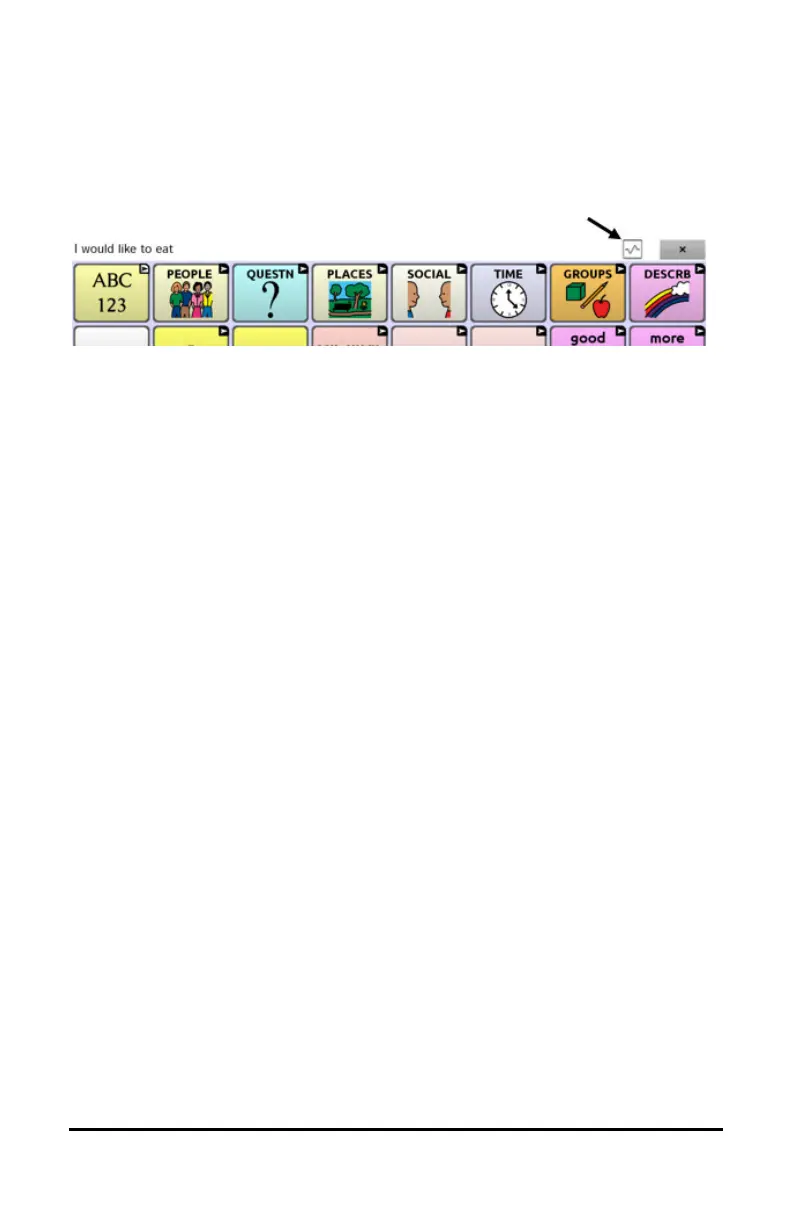
When data logging is turned on, the data logging icon appears in the
Speech Display Bar.
Important! If you plan to use the Realize Language website to analyze
data, set up a person before you start collecting data.
Uploading Data for Analysis
After you turn data logging on, your device will start collecting usage
data. Your next step is to upload that data to the Realize Language
website for analysis. You can initiate uploads manually any time or
choose to allow data to upload automatically every 24 hours.
Note: Data logging and data uploading (collection) operate
independently. If you turn off data logging, data collected since the last
upload can still be uploaded manually or automatically as long as a
network connection is available. If you disable data uploading, you can
still collect data for analyzing manually.



 To Next Page