NOVA chat User’s Guide Page 131
Selecting a Person
A warning icon following “Person” indicates that no person is
selected. If you collect data before selecting a person, that data will be
associated with a “default user”. The best practice is to select a person
immediately.
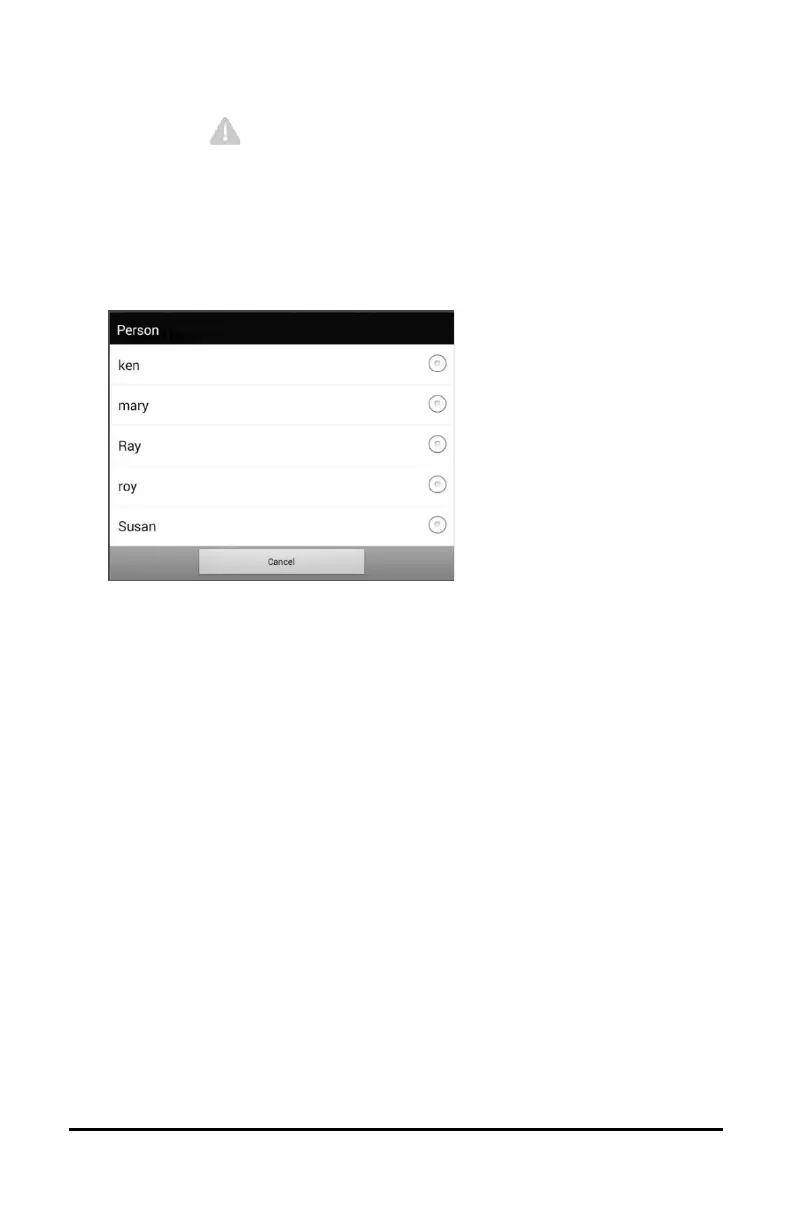
1. From the Account/Upload screen, choose Person. The Person list
will be displayed.
2. Select the person with whom you want to associate data. The
following message will appear.
Logged data exists that is not associated with a person. Do you want it associated
with [person]?
3. Choose Yes. The name you select will appear under “Person”, and a
checkmark will replace the warning icon.
Hint: At any time, you can choose Person to open the Person list
and select a different person.



 To Next Page