NOVA chat User’s Guide Page 20
NOVA chat 12 Detail
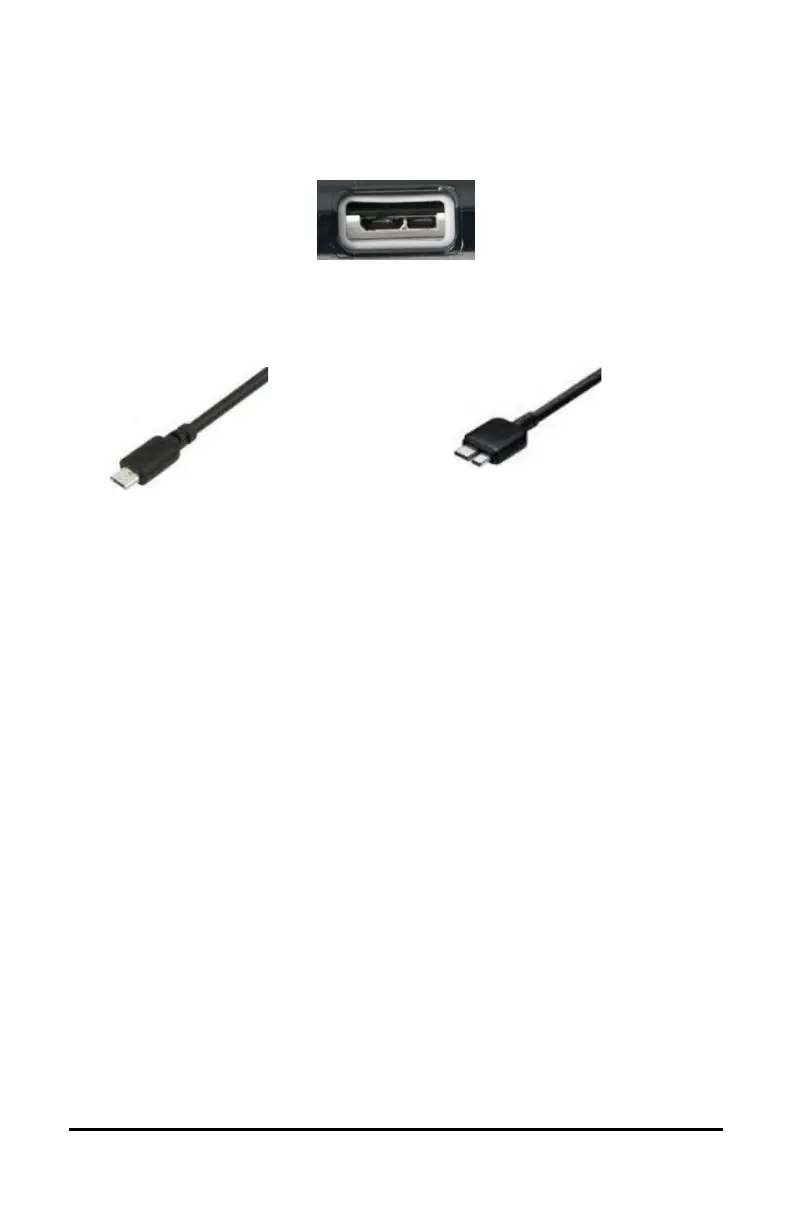
(back of device facing up)
If you insert a USB 2.0 Micro cable
(with the back of the device facing up),
the connector will insert into the left
side of the port. It will not fill the entire
If you insert a USB 3.0 Micro B cable, the
connector will fill the entire port.
Charging the Device and Amplifier
We suggest charging both the device and amplifier each night.
NOVA chat 5 or 10: The red battery indicator next to the amplifier’s
charger connection should be on while charging and will flash when it is
fully charged.
NOVA chat 8 or 12: The red battery indicator next to the amplifier’s
charger connection should be flashing while charging and will glow
steadily when it is fully charged.
1. Tap the power button to turn off the display light.
2. Plug the charger’s connectors into the device and amplifier.
3. Plug the other end of the charger into an electrical outlet.
When the device and amplifier are fully charged:
1. Unplug the connectors from the device and amplifier.
2. Unplug the charger from the electrical outlet (optional).
3. Tap the device’s power button to turn the display on.



 To Next Page