NOVA chat User’s Guide Page 18
Using Menu, Back, and Home
The Chat software provides icons along the bottom of the display for
configuring settings, navigating to previous pages or menus, and
opening the Home screen.
While running the Chat software, Menu allows you to determine which
vocabulary files to use, which augmentative options are enabled, how
and when to speak messages, and how a wide variety of other options
are configured.
Back navigates to the previous page or previous menu. Press and hold
Back to display an option to close the application.
Home takes you to the Home screen.
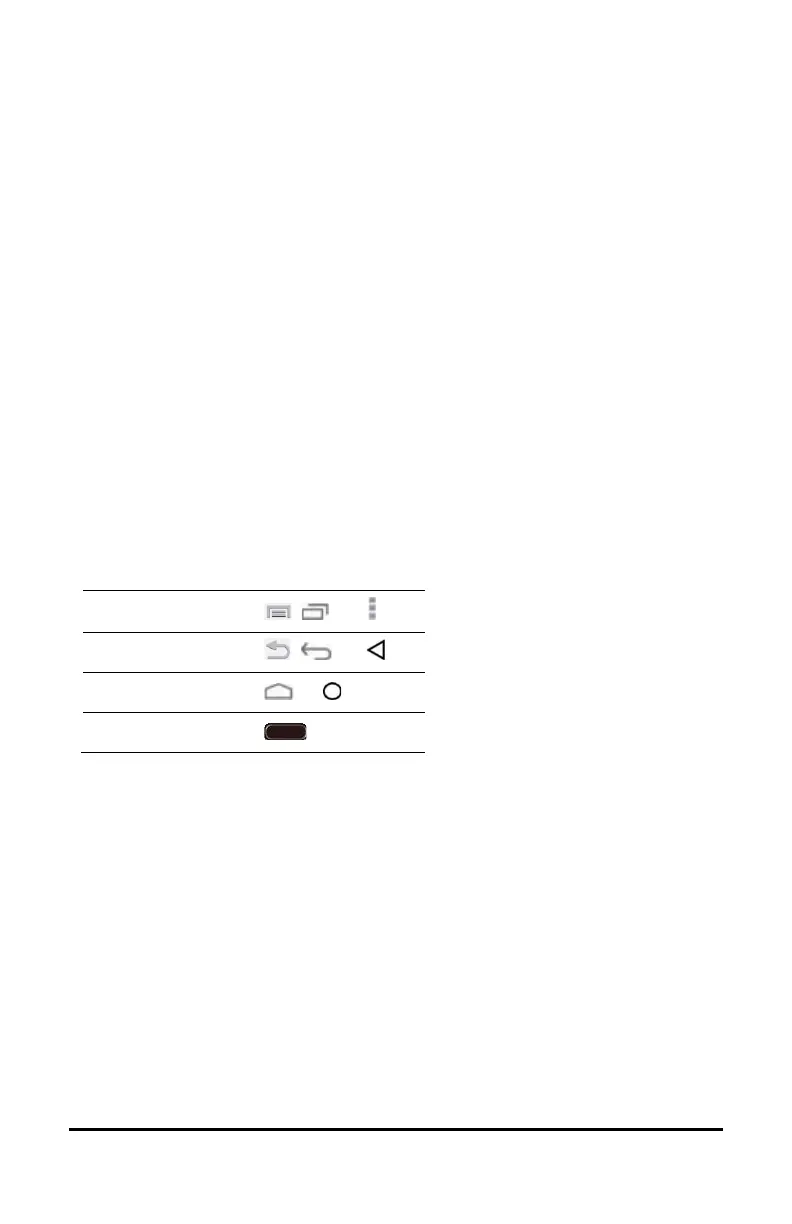
Menu, Back, and Home are implemented differently according to
device. Home, for example, may be an on-screen icon or a physical
button that you press. Depending on which device you have, you may
see any of the following:
Menu icon
, , or
Back icon
, , or
Home icon or
Home button o



 To Next Page