NOVA chat User’s Guide Page 26
Turning Bluetooth On and Off
The amplifier and the device communicate using a Bluetooth
connection. During air travel and in some medical facilities the
Bluetooth option is required to be turned off.
Note: Bluetooth is only used to connect the amplifier and device. It has
no other function.
To turn Bluetooth off:
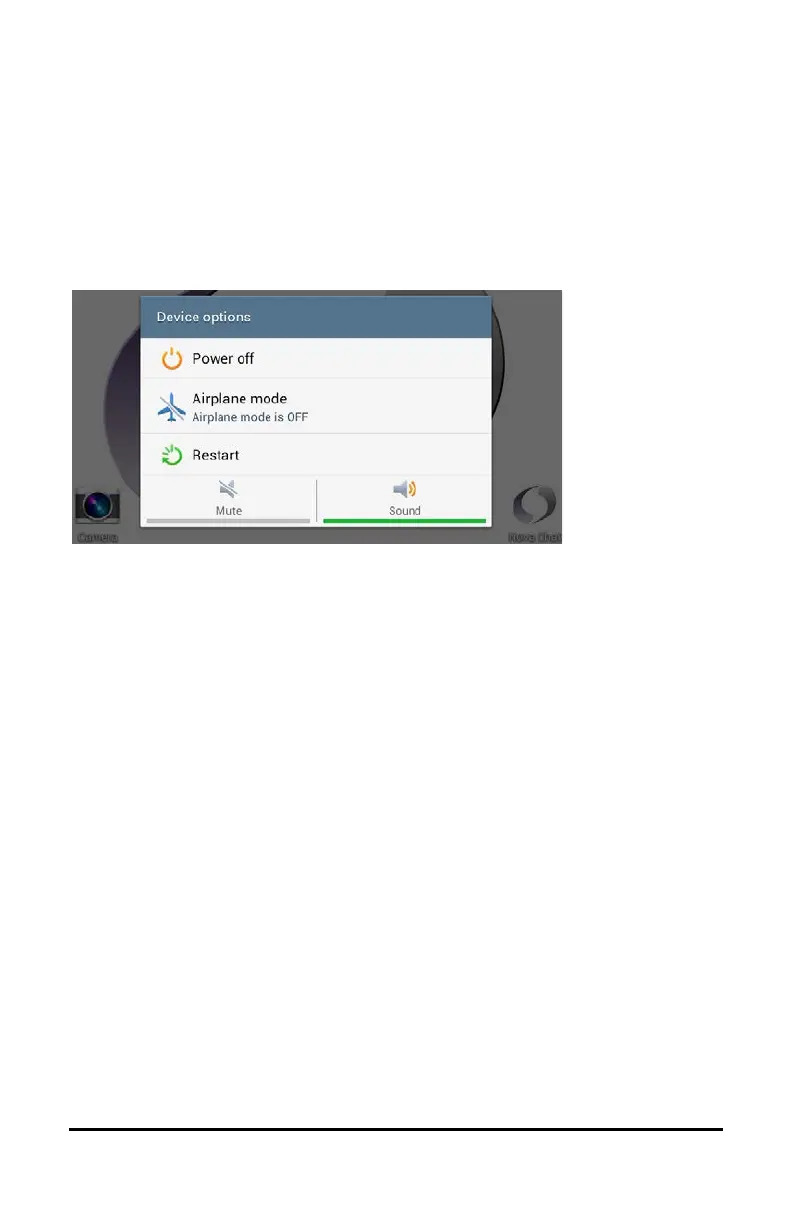
Press and hold the device’s power button. The Device Options menu
opens. Tap Airplane Mode. This puts the device into Airplane Mode.
To turn Bluetooth on:
Press and hold the power button and tap Airplane Mode. This takes the
device out of Airplane Mode and turns Bluetooth back on.



 To Next Page