NOVA chat User’s Guide Page 56
Configuring Chat Editor
The first time you open Chat Editor after installing it, you will be
prompted to set up a configuration.
1. Select Nova Chat/Chat Fusion from the Choose Product window
and click OK.
2. Select your language from the Choose Language window and click
OK.
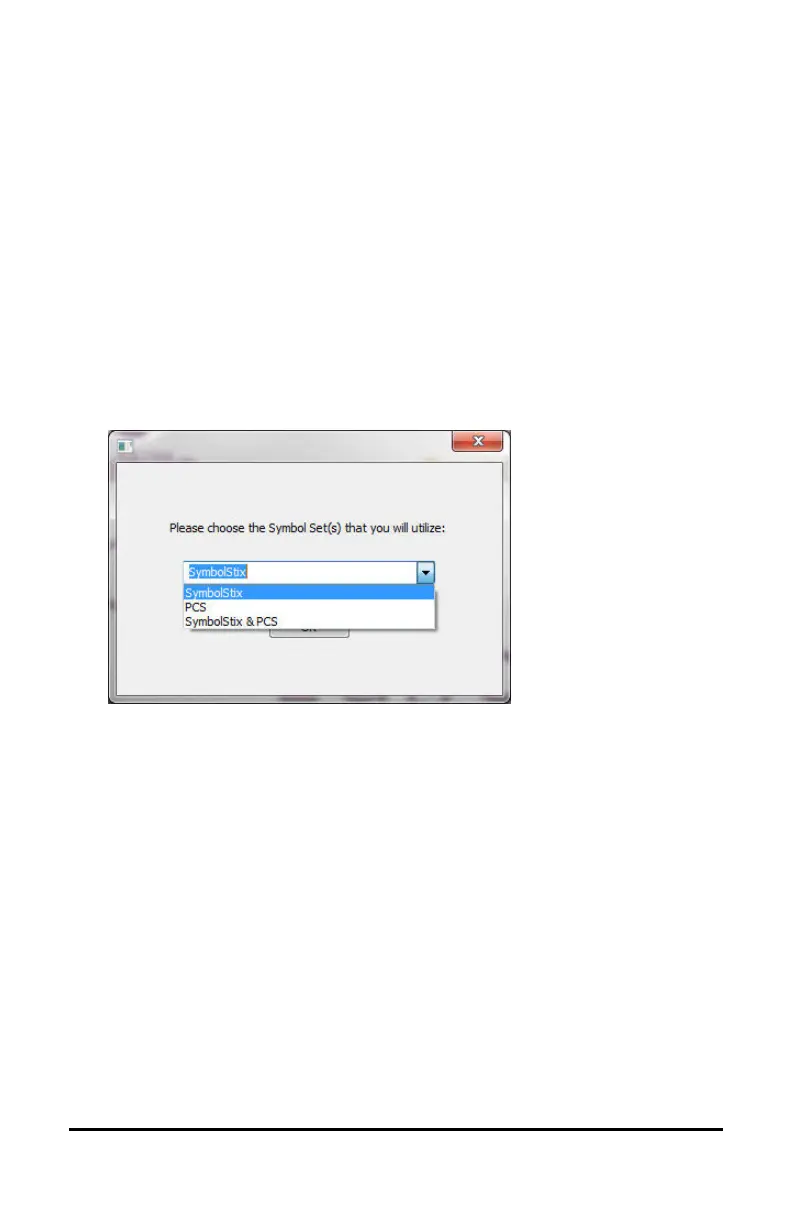
3. Select one or more symbol sets from the Choose Symbol Sets
window.
Important! This symbol set must match what is on the device you
are supporting.
4. Click OK.
5. Type a descriptive name for the configuration in the Enter Name
window and click OK.
6. Chat Editor will open.
Note: You may need to set up multiple configurations if you support
more than one client. For example: Tommy with only SymbolStix
images and Sarah with both SymbolStix and PCS symbols.



 To Next Page