NOVA chat User’s Guide Page 97
Using Row/Column Scan Mode
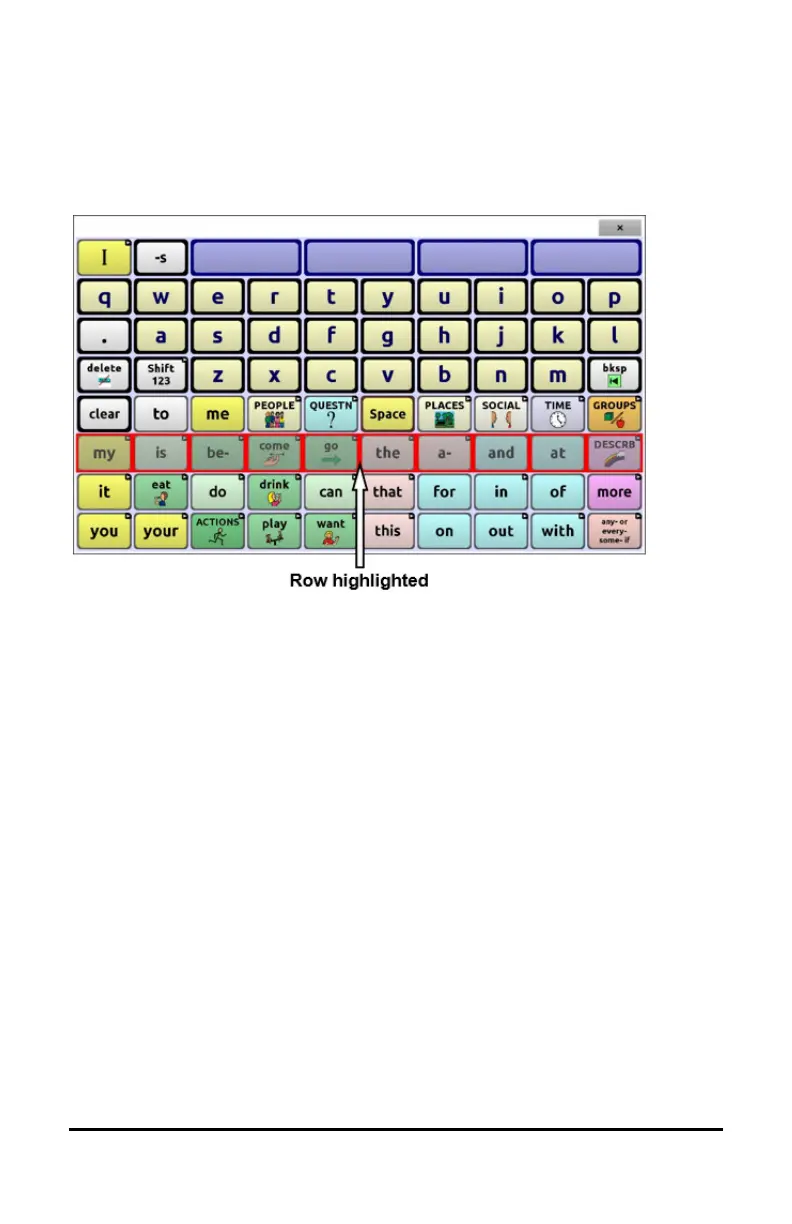
A row/column scan highlights each row of buttons beginning with the
top row and move down the screen. When the row that contains the
button you want is highlighted, activate your switch.
The scan will then step through the buttons from left to right across the
row. When the button you want is highlighted, activate your switch.



 To Next Page